5
1
、
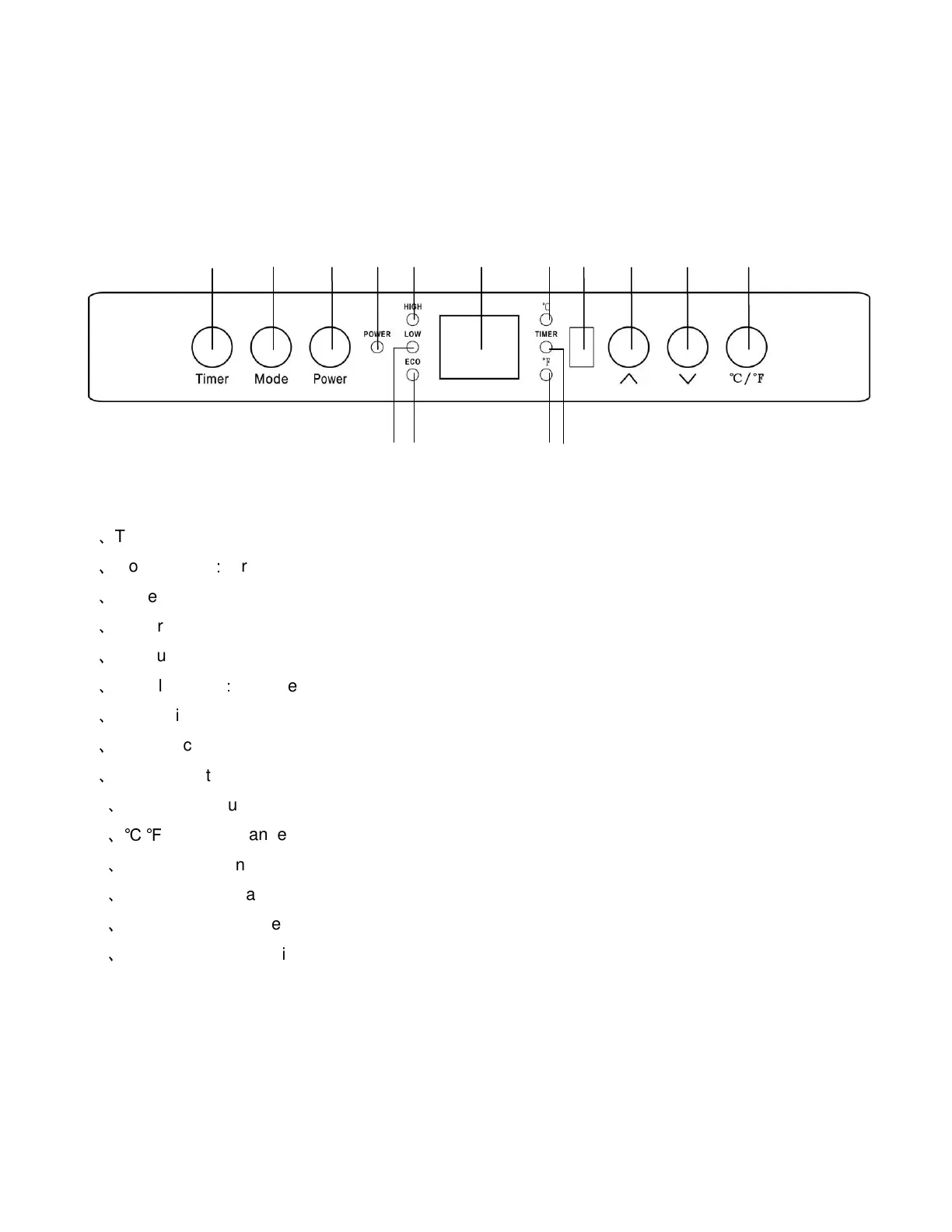
Timer button: Used for setting the timer and adjusting the time value.
2
、
Mode button
:
for select running mode
3
、
Power switch button: For power-on or off.
4
、
Power indication Light: indicate when the unit connects to power supply.
5
、
Heat-up mode indication light: The light is on when heat-up mode is activated.
6
、
Digital display
:
Indicates set room temperature or time value according to the timer.
7
、
Celsius indicator light.
8
、
Signal-receiving window: For receiving remote control signal.
9
、
Temp up button: For setting temp upward.
10
、
Temp down button: For setting temp downward.
11
、℃
/
℉
Button: Changes temperature display between Fahrenheit and Celsius.
12
、
Timer indication light: The light is on when the timer functions.
13
、
Fahrenheit indicator light.
14
、
Energy-saving mode: The light is on when energy-saving mode is activated.
15
、
Heat-down mode indication light: The light is on when heat-down mode is activated.
.
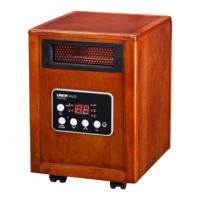
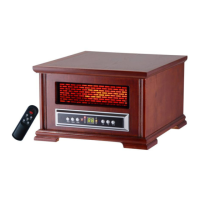
Control Panel
5 2 8 7 6 9 10
1
3 4 11
12
13
14
15


 To Next Page