11
AirSync Capabilities
Enabling Master/Slave Mode
1. Launch your web browser and login to the AirOS interface (see
page 7 for login details).
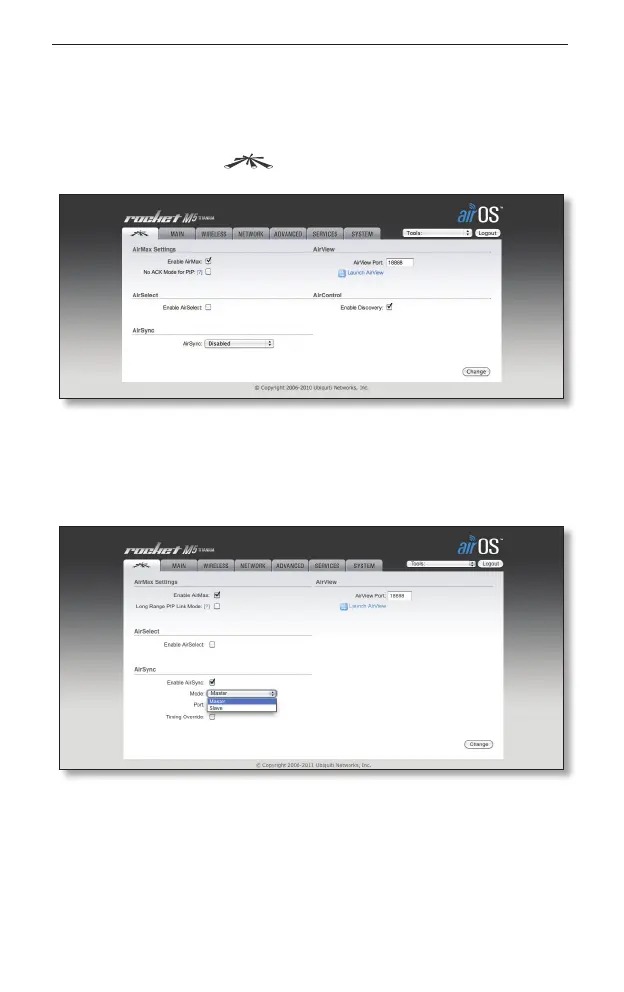
2. Go to the Ubiquiti tab.
3. Select the appropriate mode: Master Mode should be selected
on your master device and Slave Mode should be selected on
all of your slave devices with the MAC address of the Master in
the Sync Master field.
4. Click Change to save your selection.


 To Next Page