Need help?
Do you have a question about the Ubiquiti UF-LOCO and is the answer not in the manual?
Describes the functions of the Reset button for restarting and factory defaults.
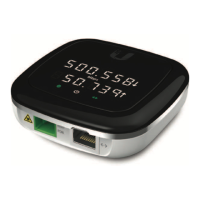
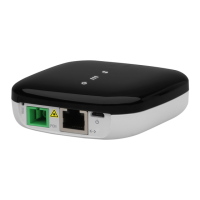
Details the device's connectivity ports: PON, Micro-USB, and RJ45 Ethernet.
Guide to connecting the fiber optic cable to the device's PON port.
Instructions for connecting an Ethernet cable to the device's LAN port.
Details the options for powering the UF-LOCO device.
 General
| Brand | Ubiquiti |
|---|---|
| Model | UF-LOCO |
| Category | Touch terminals |
| Language | English |

 To Next Page