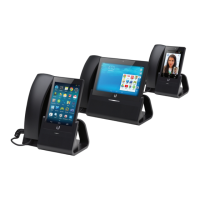
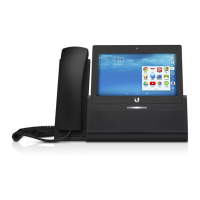
Hardware Installation
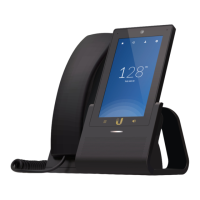
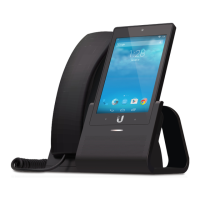
The UniFi VoIP Phone Professional is designed for desktop
placement. To connect the phone, perform the following steps:
1. Connect one end of an Ethernet cable to the wall jack that
is connected to your 48V, 802.3at-compliant switch.
2. Connect the other end of the Ethernet cable to the port
labeled PoE/LAN on the UniFi VoIP Phone Professional.


 To Next Page
 Loading...