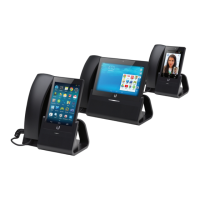
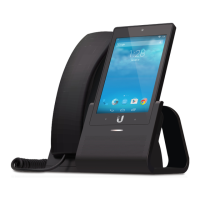
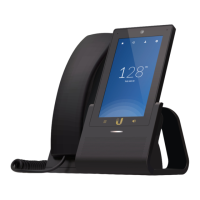
Introduction
Thank you for purchasing the Ubiquiti Networks
®
UniFi
®
VoIP Phone, model UVP. The UniFi VoIP Phone is designed
to integrate easily into a UniFi network. The phone interface
is based on the popular Android
™
platform for ease of use.
This Quick Start Guide is designed to guide you through the
installation, provide an overview of the interface, and also
includes the warrantyterms.
Package Contents
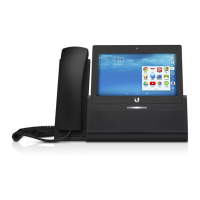
Enterprise VoIP Phone
with 5" Touchscreen
Model: UVP
UniFi VoIP Phone Quick Start Guide
Installation Requirements
• UniFi Switch or PoE (802.3af-compliant) switch
• UniFi Controller
• UniFi Security Gateway
Note: The PBX functionality in the UniFi Security Gateway only
supports the English language. If you need to support other
languages (e.g. for your voicemail), a third-party PBX or SIP/PBX
provider is required.
TERMS OF USE: All Ethernet cabling runs must use CAT5 (or above). It is the customer’s
responsibility to follow local country regulations and indoor cabling requirements.


 To Next Page
 Loading...