04. Download and Sign in to Mobile Software (APP)
Download the APP:
Sign in:
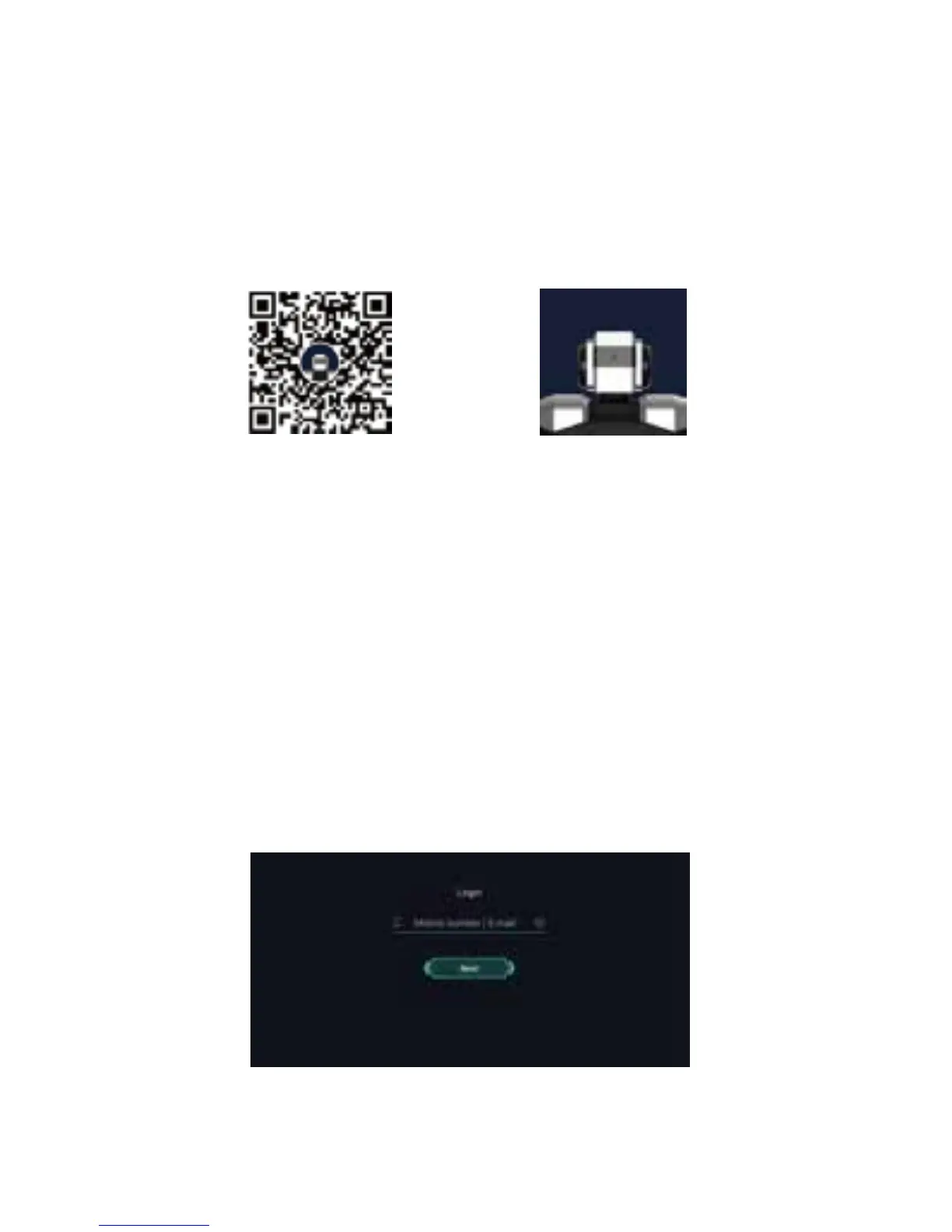
APP Download QR Code Yanshee
Method 1: Scan the QR code below to enter the APP
download page where you can click to download the
Yanshee APP;
Method 2: Search and download "Yanshee" in APP
Store/Google Play/MyAPP or other platforms.
Method 3: Log onto www.ubtrobot.com to search for your
desired product and download the APP.
After installing the APP, run the APP and sign in according to
the instruction. If you are a registered user, log into the APP
directly.



 To Next Page