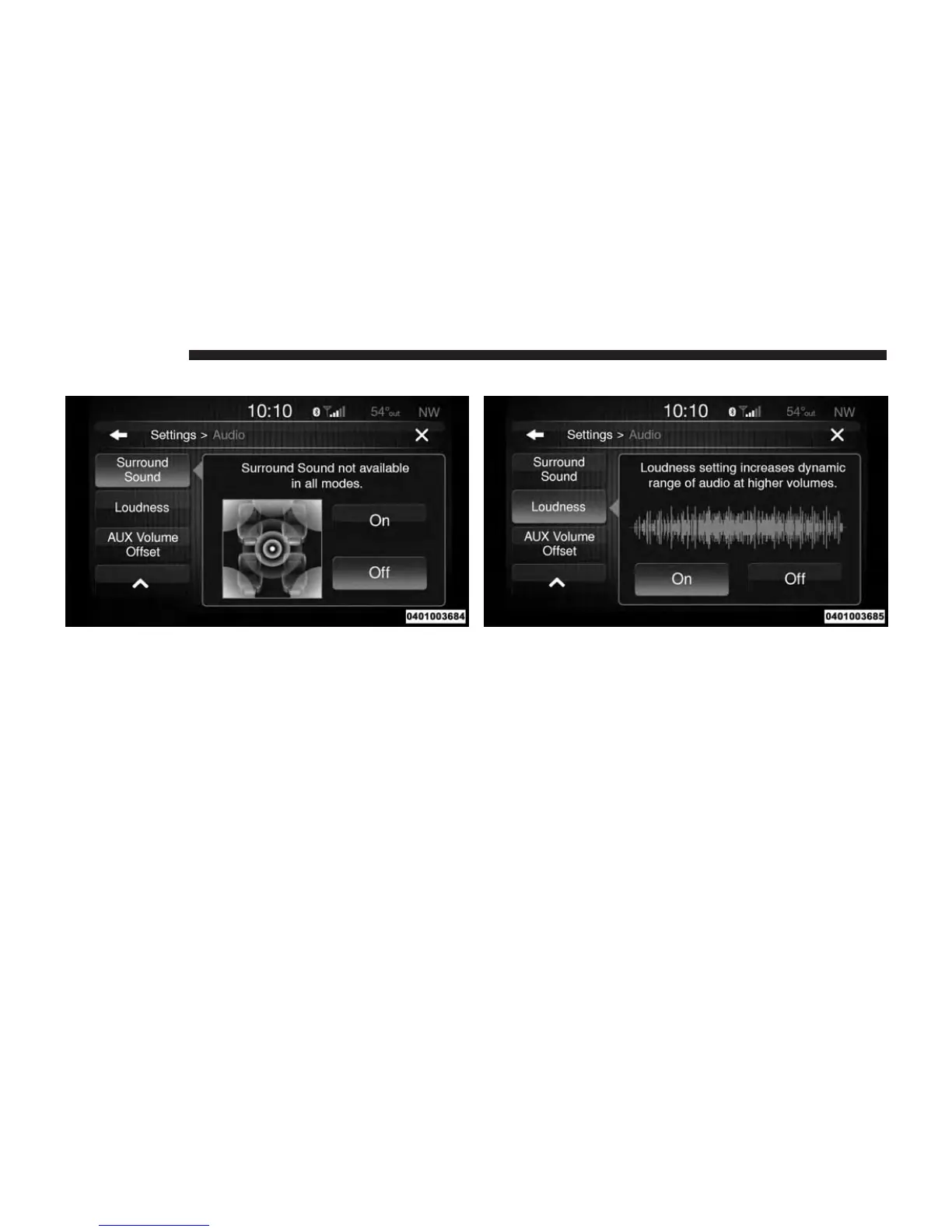
Surround Sound — If Equipped
Press the “On” button to activate Surround Sound. Press
“Off” to deactivate this feature.
When Surround Sound is On, you can hear audio coming
from every direction as in a movie theatre or home
theatre system.
Loudness
Press the “On” button to activate Loudness. Press “Off”
to deactivate this feature.
When Loudness is On, the loudness setting increases
dynamic range of audio at higher volumes.
24 RADIO MODE



 To Next Page