Basic Voice Commands
The basic Voice Commands below can be given at any
point while using your Uconnect system.
Press the VR button
. After the beep, sayѧ
• Cancel to stop a current voice session
• Help to hear a list of suggested Voice Commands
• Repeat to listen to the system prompts again
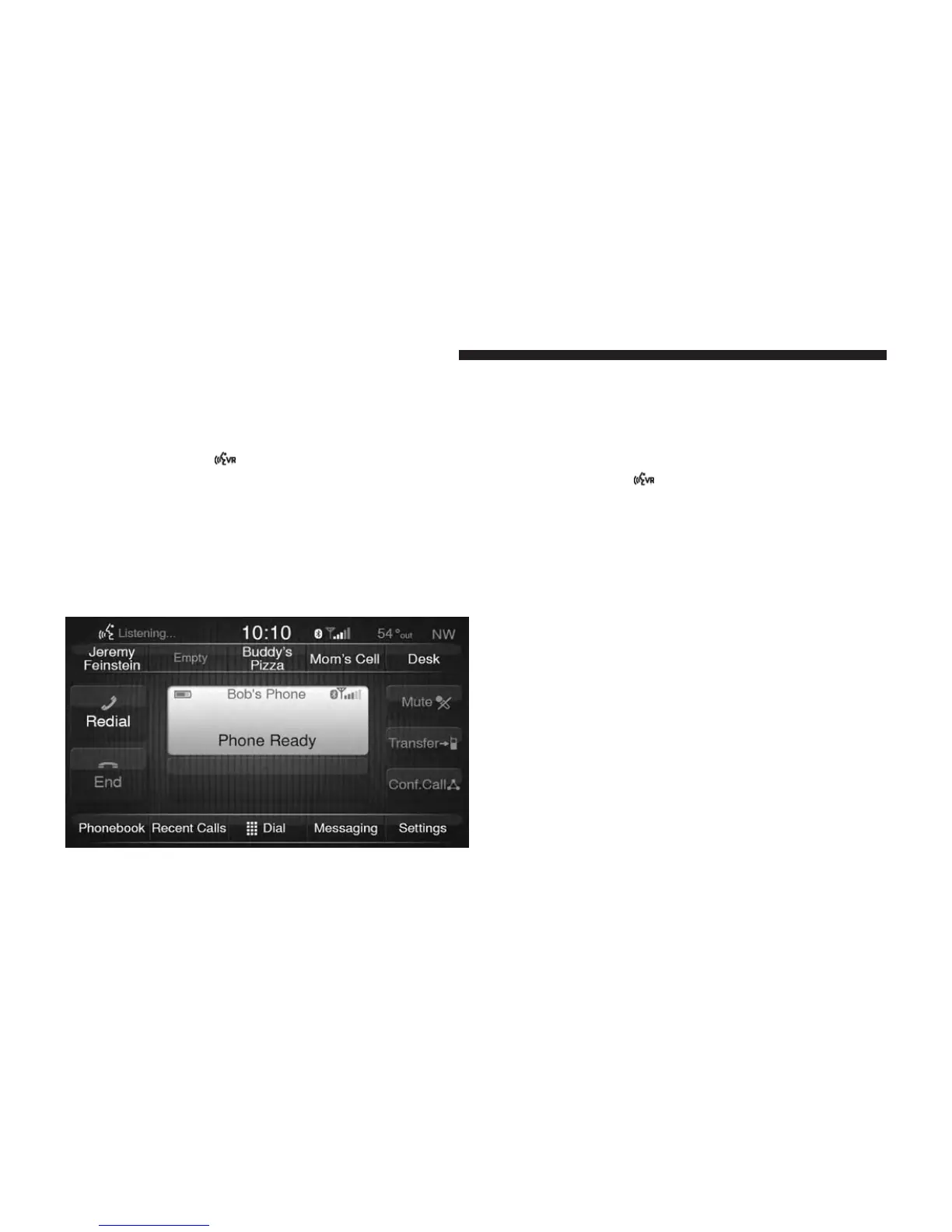
Notice the visual cues that inform you of your voice
recognition system’s status.
Radio
Use your voice to quickly get to the AM, FM or SiriusXM
Satellite Radio stations you would like to hear. (Subscrip-
tion or included SiriusXM Satellite Radio trial required.)
Press the VR button
. After the beep, sayѧ
• Tune to ninety-five-point-five FM
• Tune to Satellite Channel Hits 1
36 UCONNECT 6.5 NAV VOICE RECOGNITION QUICK TIPS



 To Next Page