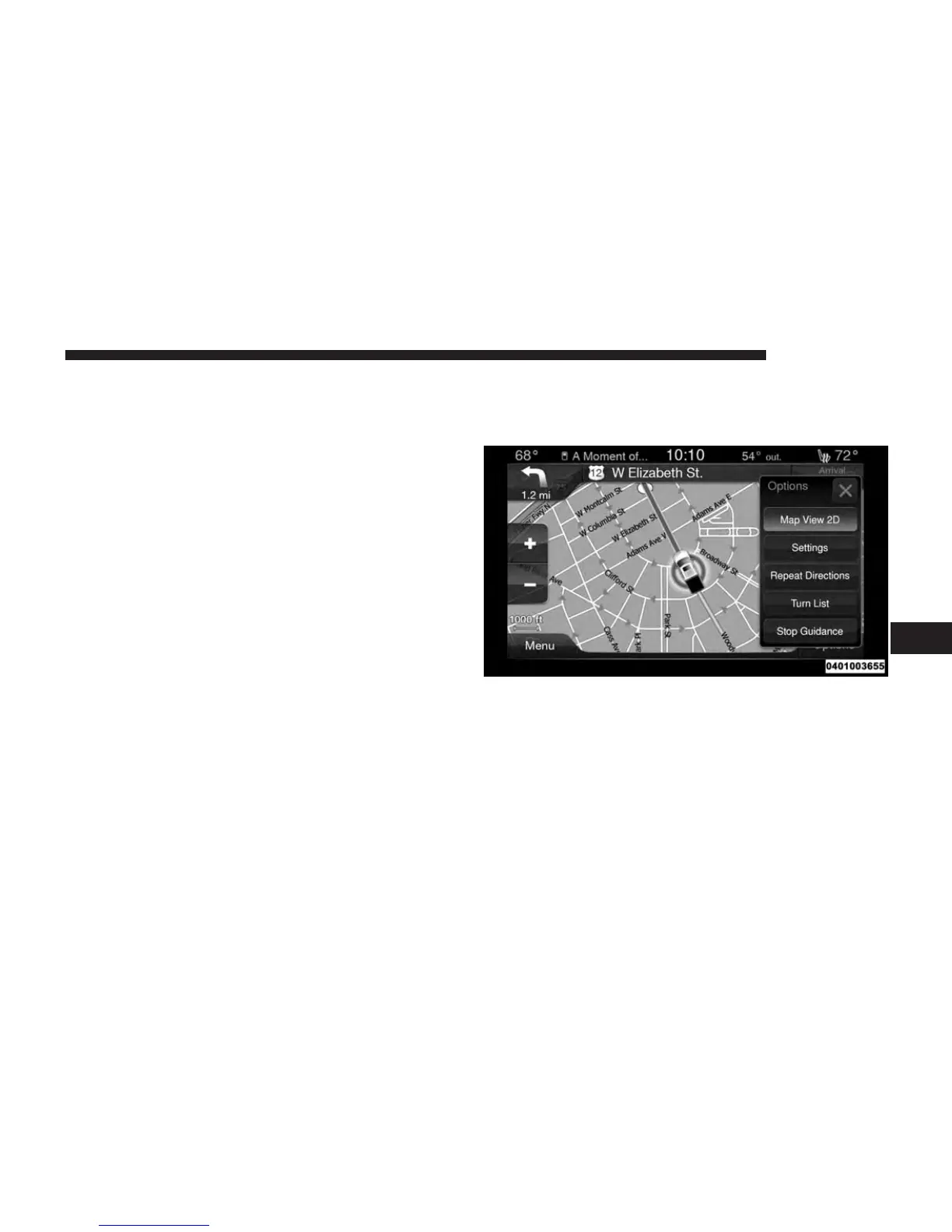
Zoom In +/ Zoom Out –
Press the Zoom In (+) or Zoom Out (–) buttons to change
the zoom level. Roads with lower functional classification
are not shown in higher zoom levels. (e.g. residential
streets, lightly-traveled county roads.)
Time Of Arrival/Time To Destination/Distance (Only
During Route Guidance)
Press the button in the upper right area of the screen to the
display items available. Press the desired option button.
• Time of Arrival
• Time to Destination
• Distance
Turn List (Only During Route Guidance)
Press the area in the upper center part of the screen that
displays your next turn to see a Turn List for your current
route.
Press a turn in the displayed Turn List for the following
options:
• Show on Map
• Avoid Street
Options (Only During Route Guidance)
Press the “Options” button to display the following
options. Press the desired button.
2D North Up/Map View 2D
Press this button to scroll between the two viewing
options.
Settings
Press this button to view all the available settings. See
View Map – Settings for more information.
7
NAVIGATION 59



 To Next Page