23
Working day - Monday-Sunday: d1~d7
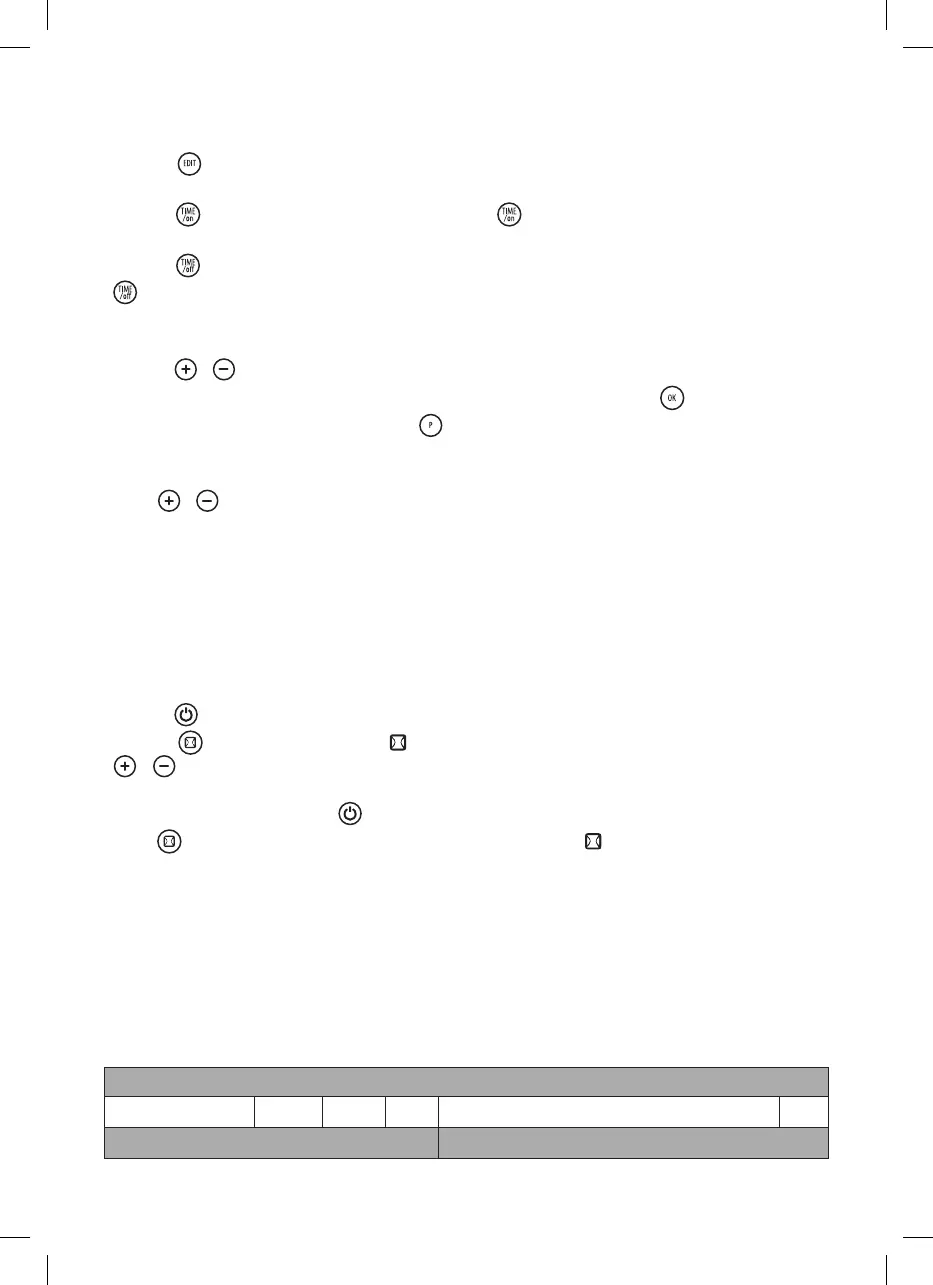
4) Press ”
“, the display shows P1~P6(for each day, it can be set maximum 6 time periods).Such as
setting P1:See below :C
5) Press ”
“,the display shows 00”as default. Press ” “ continuously to set the turn-on time. Such
as set the turn-on time 7:00am P1:See below :D (Memo: the setting time 0-24 for choice)
6) Press ”
“,the display shows the previous step turn-on time by default. Press
”
“ continuously to set the turn-o time. Such as set the shutdown time at 13:00pm:
(Note: turn-o time later than turn-on time, when turn-on time same as turn-o time, the unit in stand
by mode)See below :E
7) Press ”
/ “ to setting the target temperature(Temperature range 10-49 ºC);
8) Repeat steps 3-7 above, you can set the whole weekly program. Then press”
“to confirmed;
9) To cancel the weekly function, press the “
“ agian , the light “P” will go o. The weekly program is
o. The product will revert to the previous function working status.
-Press”
/ “,set working temperature under dierent time periods.
- The turn-on time periods 0~24hours, cannot set to minutes;
-The“TIME/OFF”can not be less than“TIME/ON”;
-When the“TIME/ON” is the same as“TIME/OFF”, the time period enter into standby mode;
Set open-window detection(ONLY by remote control):
1). Press “
“ the product enter into working status. Heating for a moment untill stable.
2). Press ”
” by remote control,light “ / ºC“ will on; The temperature display ”23” by default. Press
”
/ “ to set target temperature. During open-window detection mode, once the ambient temper-
ature drops 5-10 ºC within 10 minutes, then the product will stop working within 30 minutes and enter
into stand by mode. Then press “
” to turn on the product.
Press ”
“ again to turn o the open-window detection, the light “ ” will go o and the product will
resume to previous working mode.
Below is an example to set 23 ºC during open-window detection.See below :F
3).When turn on at the same time for both open-window detection and weekly program, during the OFF
period of weekly program, the product doesn’t work. During the working status of weekly program, the
temperature is subject to the setting temperature of open-window detection. See below : G
Information requirements for electric local space heaters
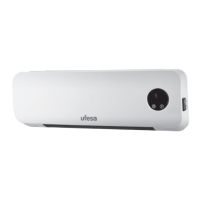
MODEL IDENTIFIERS: CC2000P
Item Symbol Value Unit Item Unit
Heat output Type of heat input, for electric storae local space heaters only


 To Next Page