8
You can connect up to three devices via the driver at the same time. Click on
drop-down menu to select device to activate. Customize the device's settings after
switching to that device. All changes apply only to that device.
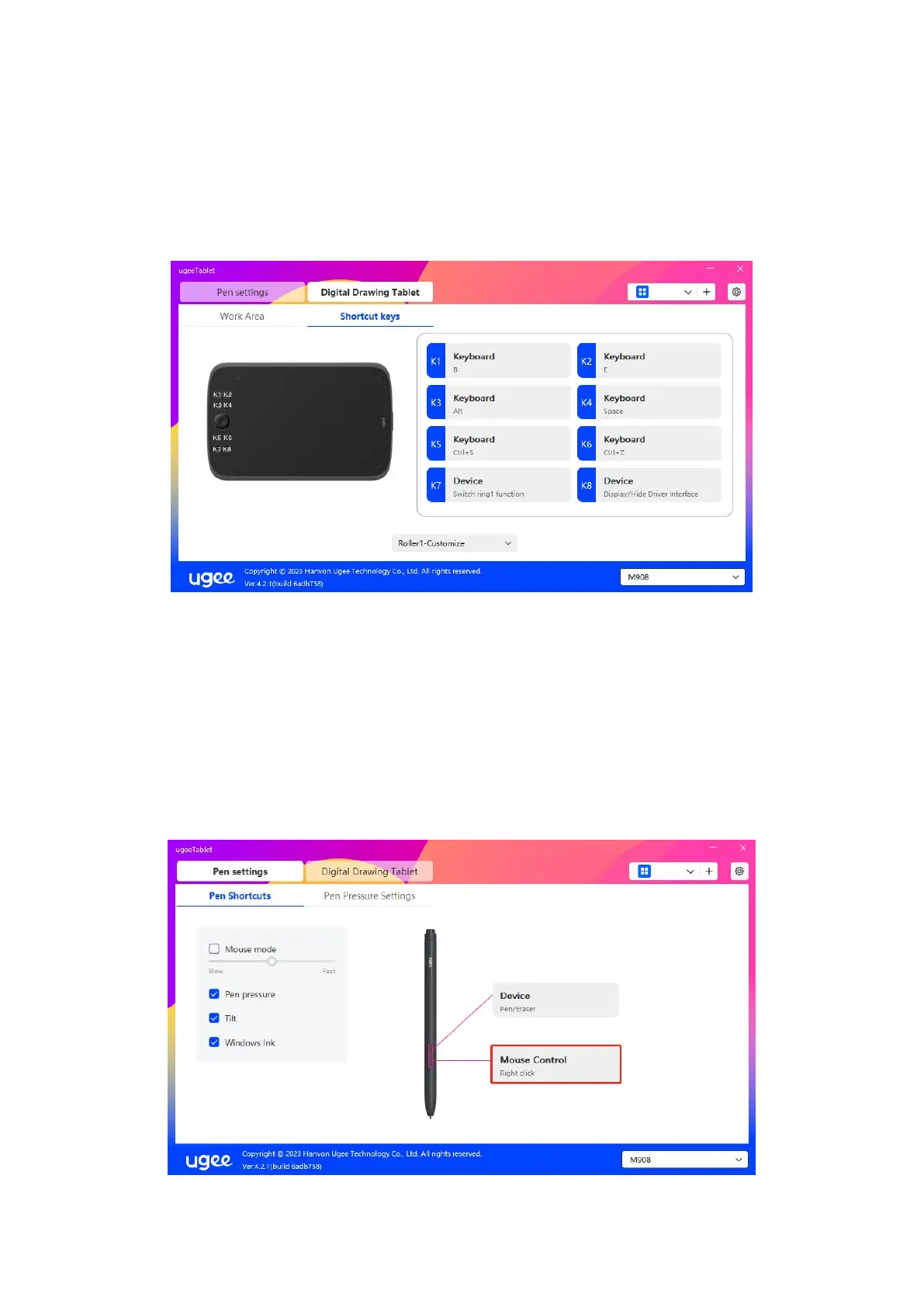
6.2 Pen Settings
6.2.1 Pen Shortcut Key
Click Mouse Control to customize key functions. You can select 7 types of shortcut
keys, such as keyboard, mouse control, device, run application, system function,
multimedia, and disable.



 To Next Page