13
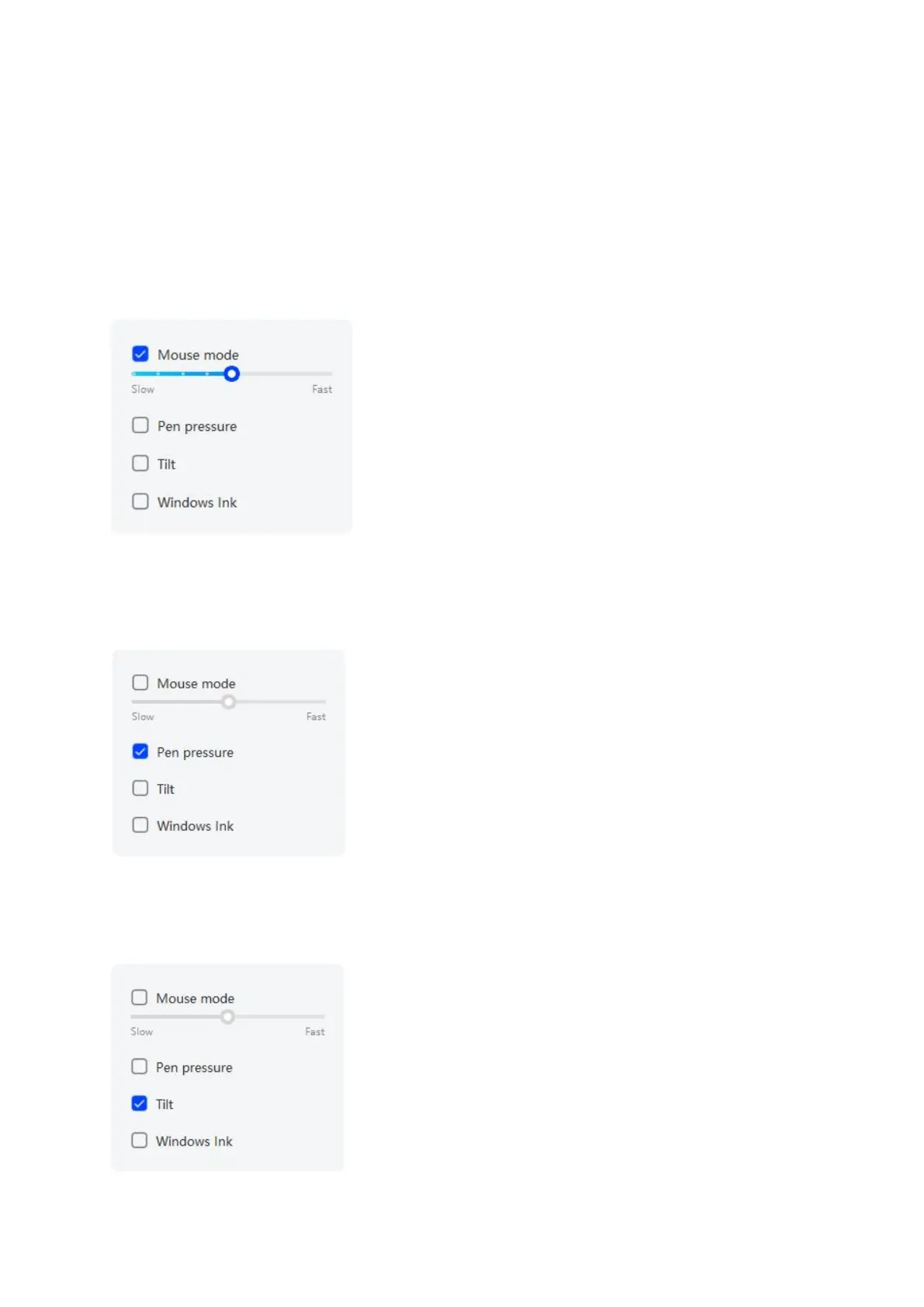
Mouse mode:
When you remove your pen, the cursor will stay where you left, which is like
operating a mouse. Select the mode and you can adjust the speed of the cursor on
your device. If no mode is selected, the pen mode will be applies by default.
Pen Pressure:
Upon unchecking, no stylus pressure effect will be displayed
Tilt:
Upon unchecking, there will be no tilt effect



 To Next Page