23
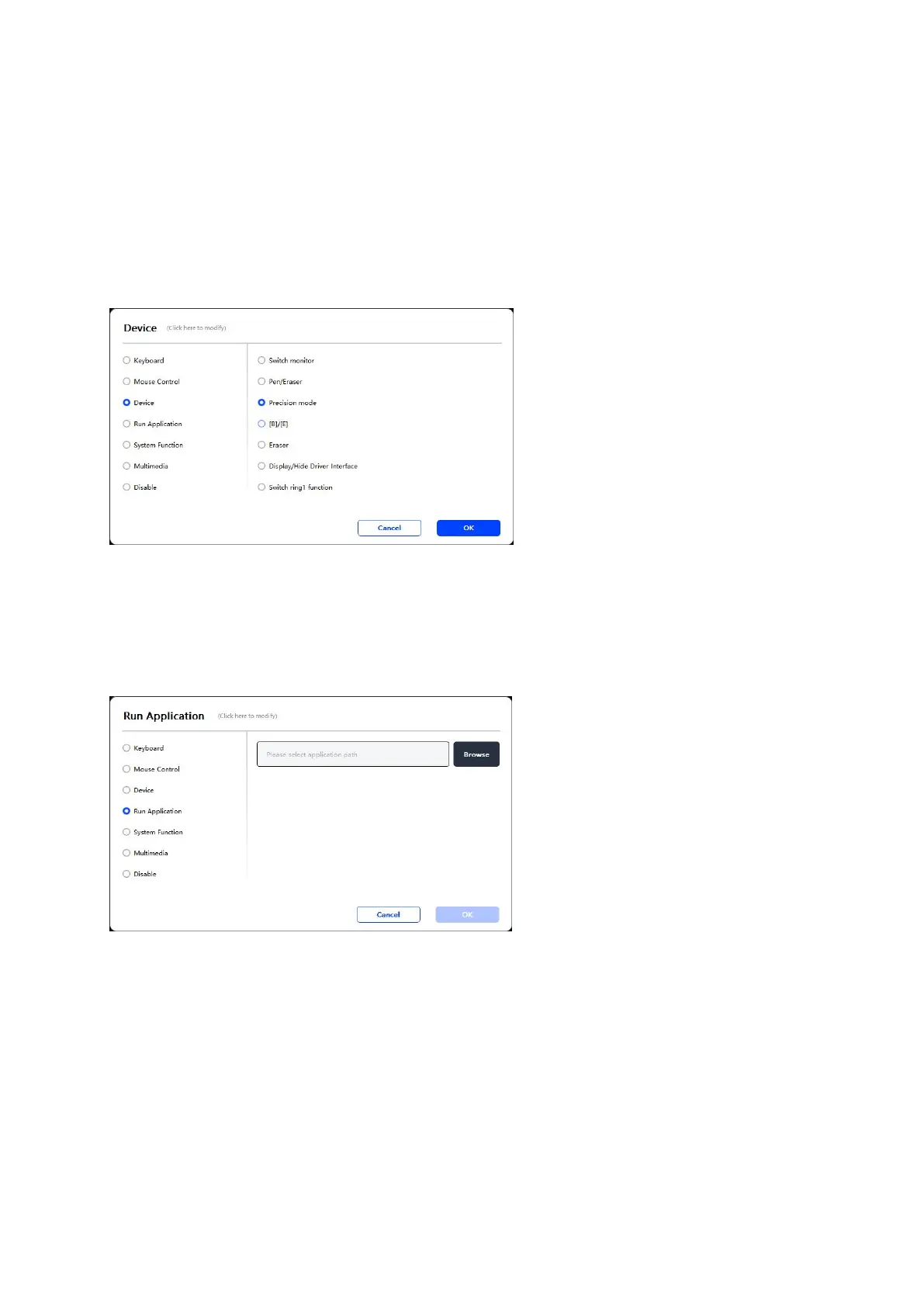
Device:
Execute selected function.
Precision mode: It limits the Work Area to a small range. This function allows you to
draw more precisely in the area.
Run Application:
Run the selected application. For example, if you choose to run Photoshop, press the
key, and the computer will open and run the app.
System Functions:
Executes the selected system function. For example, select Shutdown, press the key,
and the computer will automatically shut down.



 To Next Page