7
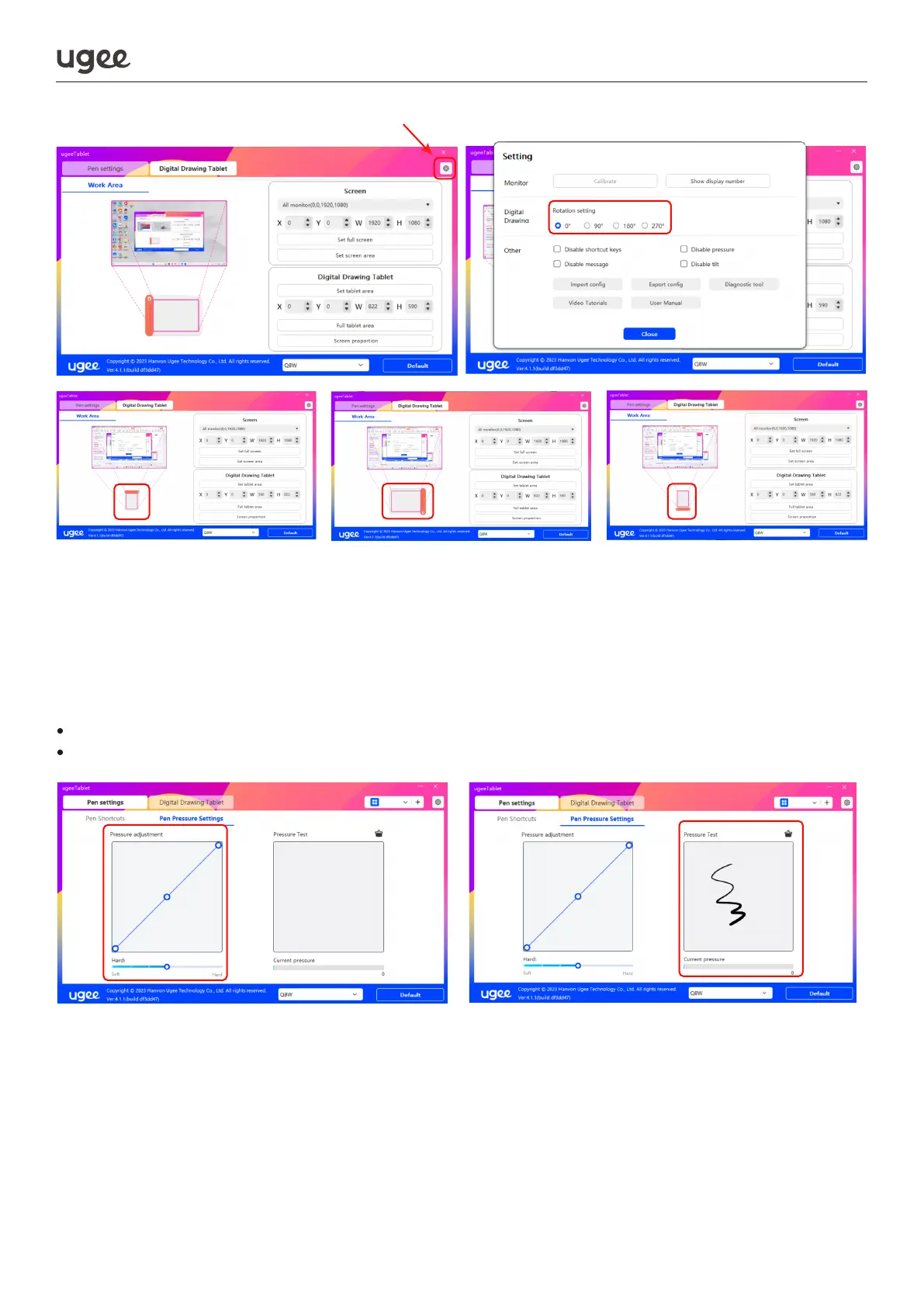
2.2.2.4 Setting and testing pen pressure sensitivity
Manually adjust the curve or move the slider on the progress bar to adjust pressure
sensitivity. Conduct a pressure test on the right concurrently to achieve optimal pen
pressure.
To set the pressure sensitivity area, refer to Figure 1.
To test the pressure sensitivity area, refer to Figure 2.
2.2.2.5 Enabling Windows Ink Feature
This feature is designed for drawing and office software that supports Windows Ink,
such as Microsoft Office, Windows Journal, Adobe Photoshop CC, SketchBook, etc.
Figure 1 Figure 2



 To Next Page