6
Figure 2: Multi-monitor Duplicate Mode
2.2.2.2 Setting up the work area
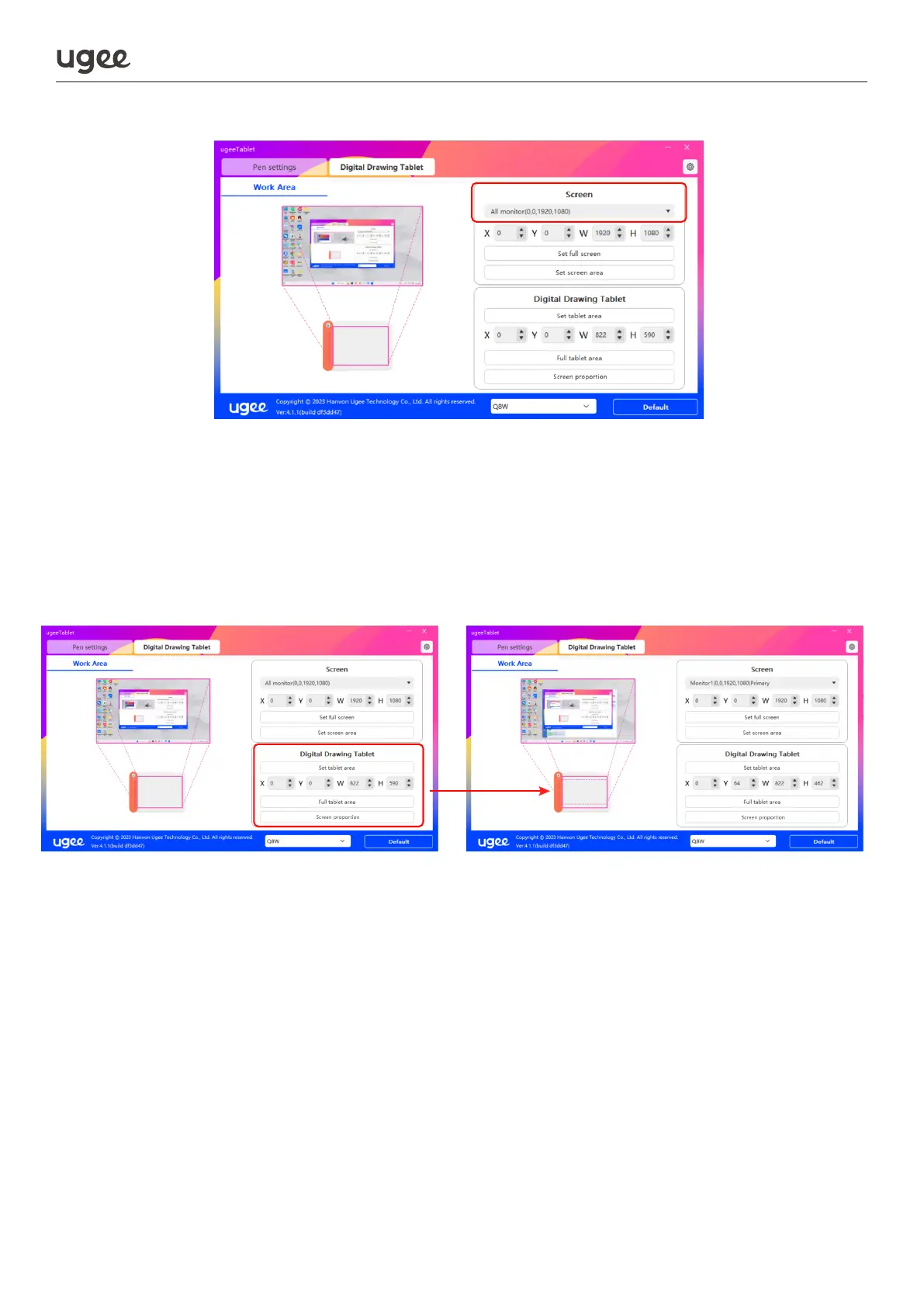
In the driver settings, you can change the workspace of the stylus by selecting full
tablet screen, scaling it to match the screen, or by entering a specific input value.
a. The device is set to be the maximum work area by default.
b. We recommend you select the "screen proportion " in the settings when connect-
ing the device to a computer.
2.2.2.3 Rotating the work area
By clicking the settings button in the upper right corner, you can freely change the
placement of the drawing tablet, this is not limited to just left or right. The work area
can be rotated in four directions: up, down, left, or right.



 To Next Page