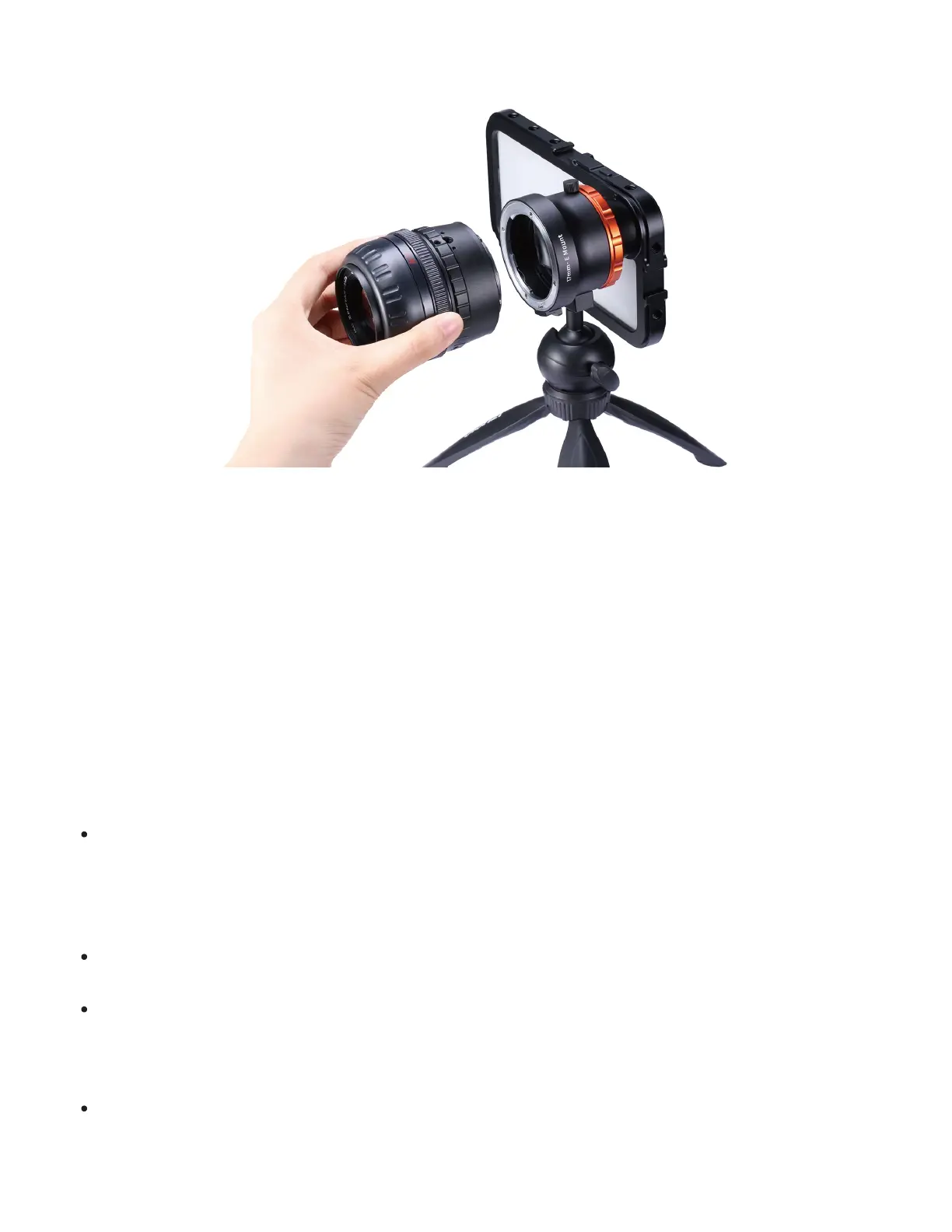
Getting started
1. Launch your camera app and invert the image back to its normal orientation.
2. Lock your phone's focus (usually by tapping/holding the screen or the square on some
apps).
3. Turn the focus dial on your SLR/DSLR lens until your image is in focus.
Compatible lenses
The main purpose of the DOF Adapter is to add a beautiful, real shallow depth-of-field and
bokeh to your photos and videos. For the best results, we recommend using lenses that
meet the following criteria:
Fast There is some light loss when using the DOF Adapter. For the best results, we
recommend using fast lenses with an aperture between f0.9 - f2.8, and opening your
aperture as wide as possible. You can use lenses with a slower/closed aperture, but
results may vary.
Full frame The DOF Adapter is designed for full-frame lenses.
Manual/mechanical focus Your lens needs to be able to focus manually without
being attached to a DSLR camera body. Lenses rely on electronics or a camera body
to focus are not compatible with the DOF Adapter.
Compatible lens mounts
Direct mount


 To Next Page