EasyManua.ls Logo

ulhund GC-1071 - User Manual

ulhund GC-1071
15 pages
Print Icon
To Next Page IconTo Next Page
Loading...
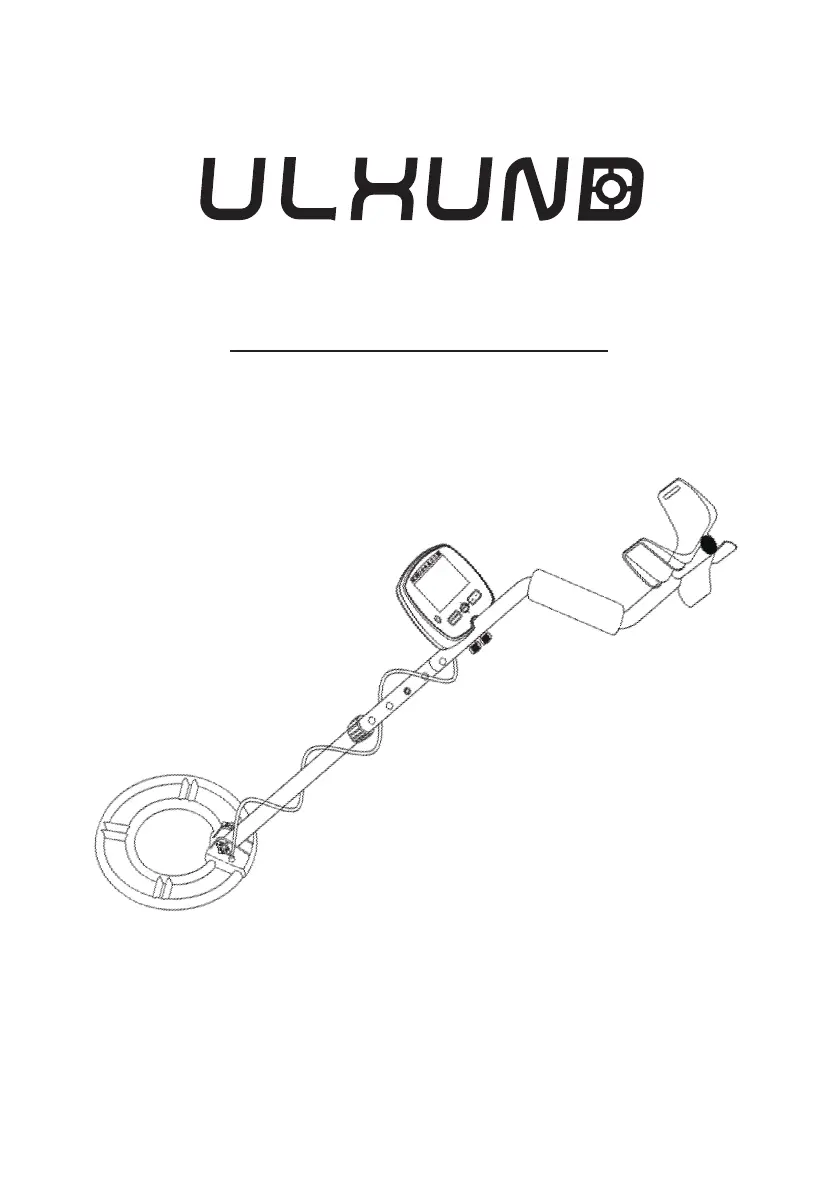
Metal Detector
Owners Manual
Customer Service Email: service@ulhund.com
ModelGC-1071

Questions and Answers

Summary

Product Features

Assembling the Metal Detector

Installing the Batteries

Using Headphones

Control Panel Layout Overview

Understanding the LCD Display

Control Buttons and Modes

Using the MENU Button

Explains how to navigate and select modes/settings via the MENU button.

Adjusting Sensitivity (SENS)

Details how to adjust sensitivity level from 1 to 10 for better detection.

Adjusting Volume

Explains how to adjust the audio volume level from 0 to 10.

Using DISC (Discrimination)

Describes how to ignore unwanted metal types by eliminating categories from left to right.

Using the NOTCH Feature

Explains how to accept or reject individual metal categories using the NOTCH feature.

Testing and Using the Detector

Outdoor Detecting Guide

Guides on how to properly sweep the search coil for effective metal detection outdoors.

Precise Target Pinpointing

Troubleshooting Common Issues

ulhund GC-1071 Specifications

General IconGeneral
Brandulhund
ModelGC-1071
CategoryMetal Detector
LanguageEnglish