Download the app
Download the UE | BOOM app by Ultimate Ears to explore other great features such
as Remote Power ON/OFF, Equalizer, Party Up, Magic Button and MEGAPHONE.
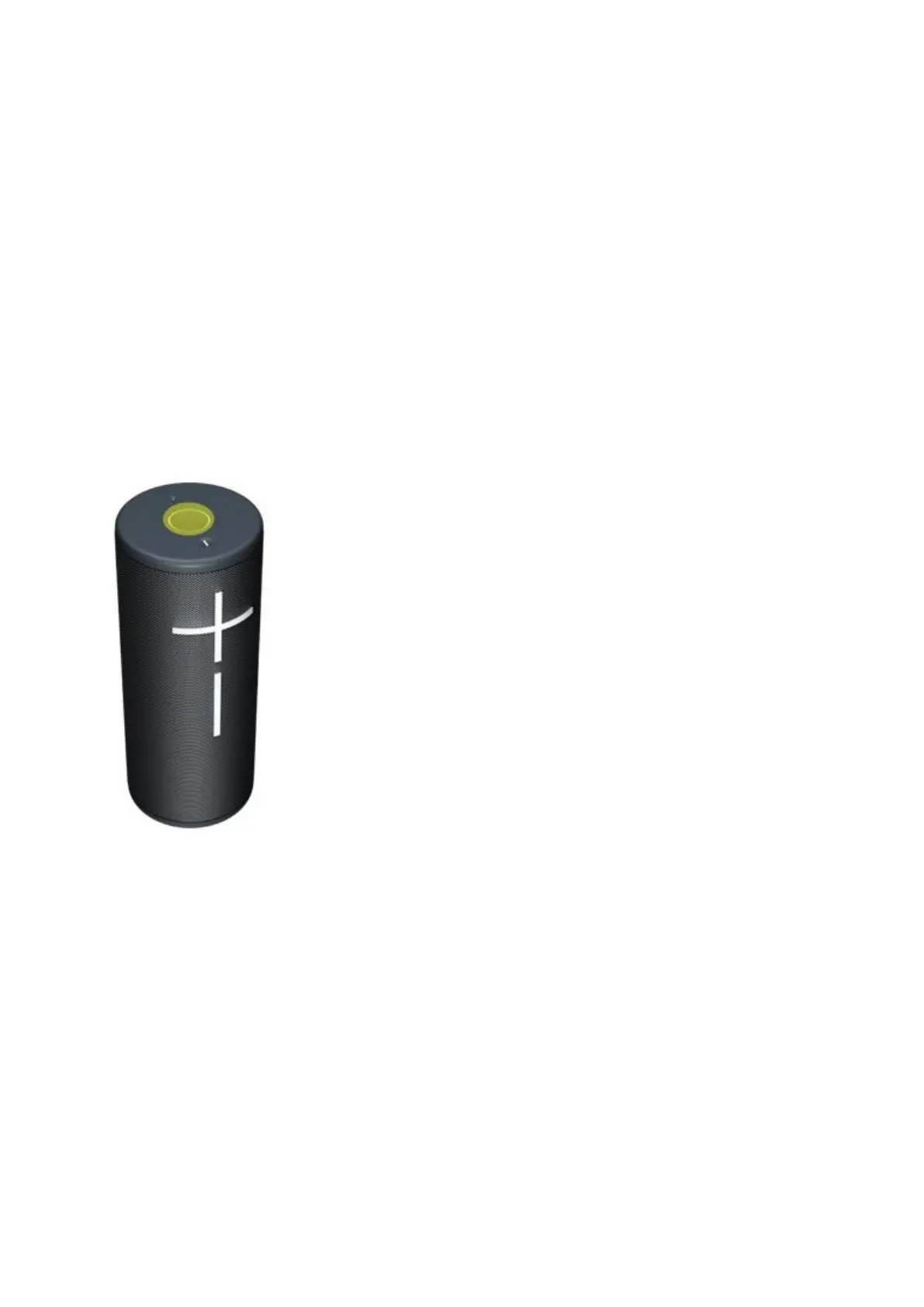
Use the MAGIC BUTTON to control your music
• PRESS to play and pause
• DOUBLE PRESS to skip a track
• TRIPLE PRESS to return to previous track
• PRESS and HOLD to play the preset playlist
To set the preset playlist, download the UE | BOOM app and follow the instructions to
access your Amazon Music, Apple Music (iOS only) or Spotify (Android only) playlist.
How to adjust the volume
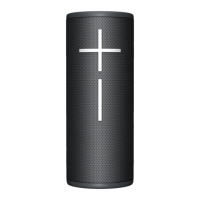
PRESS the “+” / “–” button to increase / decrease volume.


 To Next Page