Connect to more devices
Your UE speaker will remember the last eight connected devices.
After you pair the first device, here’s how to pair additional devices:
1. Turn the speaker on.
2. Hold down the Bluetooth button until you hear a tone.
NOTE: The Bluetooth connection button will blink rapidly, indicating that the
speaker is ready for pairing.
3. On your device, go to the Bluetooth menu and scan for devices.
4. Select the name of your speaker from the list of devices.
Once paired and connected, you’ll hear an audible confirmation from the speaker. Your
speaker is now ready to use with the device you added.
Reconnect to a device
To reconnect a device to your Ultimate Ears speaker after the initial pairing or after
pairing another device:
1. Turn the speaker on.
2. On your device, go to the Bluetooth menu and select the name of your speaker from
the list of devices.
Once reconnected, you’ll hear an audible confirmation from the speaker. Your speaker
is now ready to use with the device you selected.
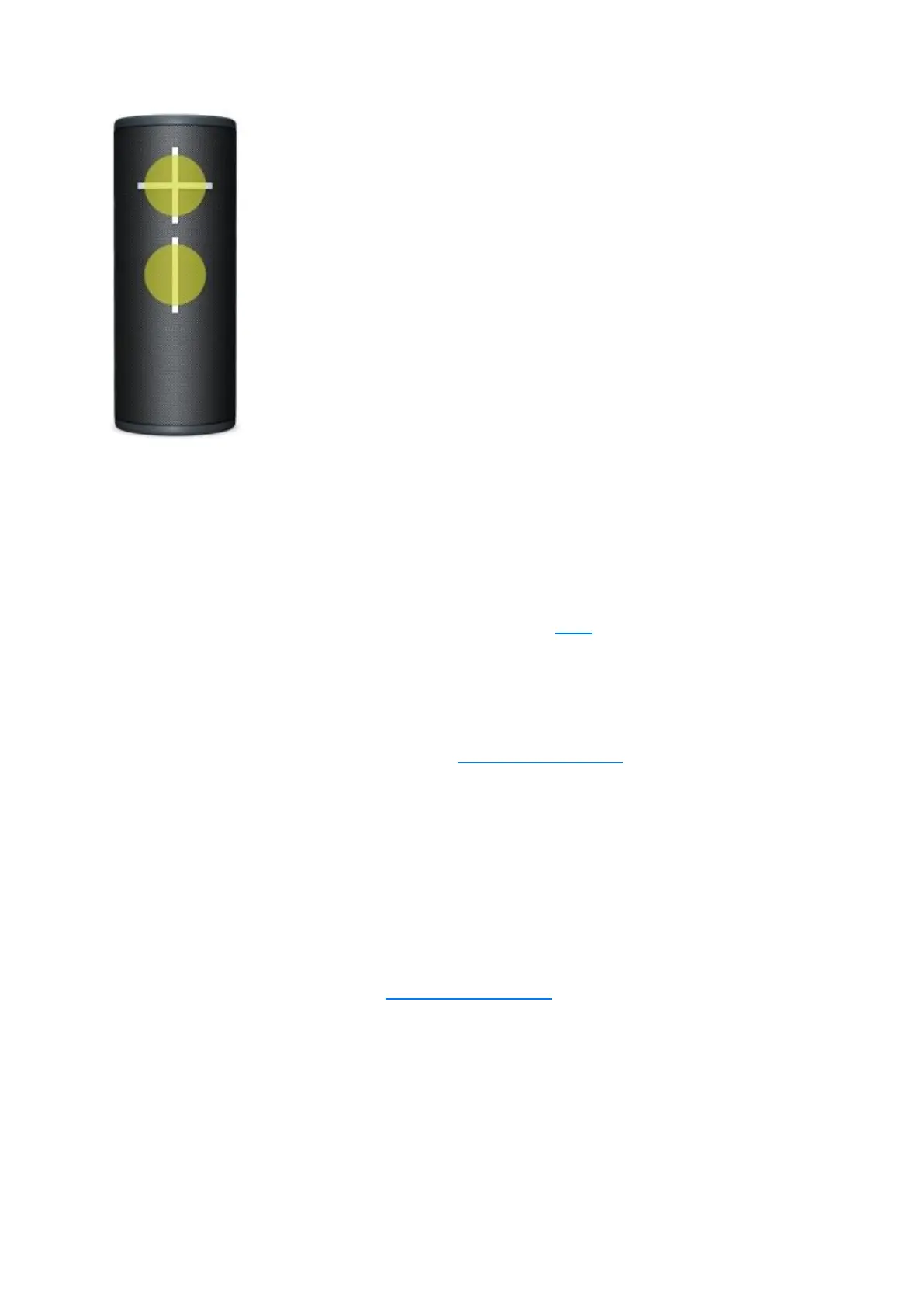
How to Use the UE | BOOM by Ultimate Ears App
The UE | BOOM app has everything you need to get the most out of your Ultimate Ears
speaker. From Party Up to customizable EQ, unlock even more awesome ways to use
your speakers.


 To Next Page
 Loading...