AirPlay Miracast
Music
Office Suite
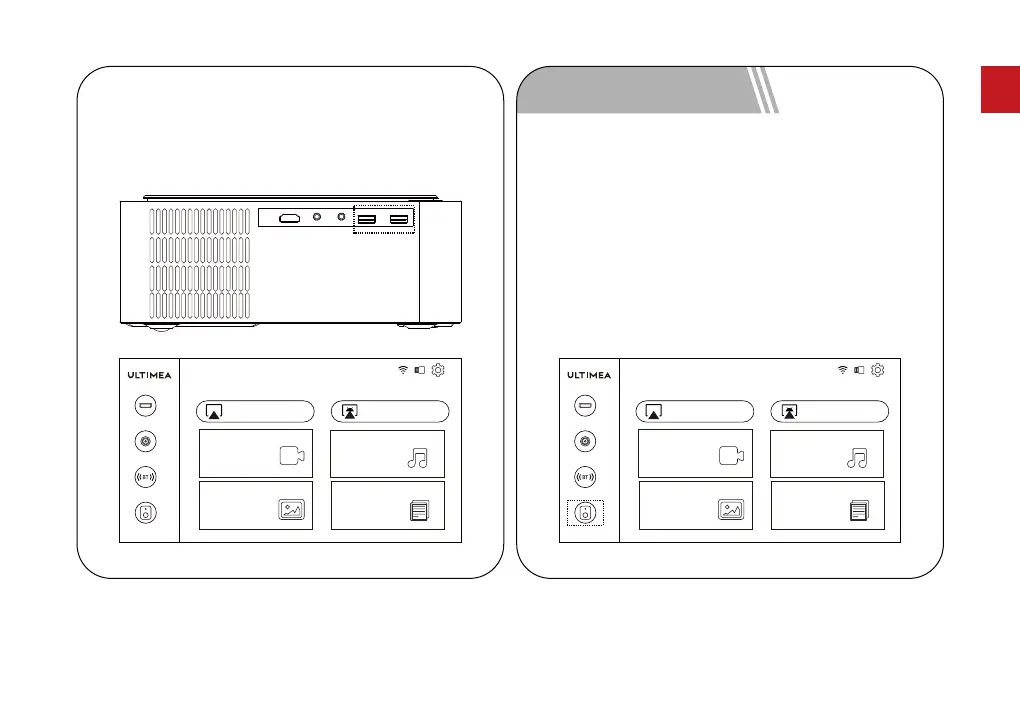
After inserting the USB, select the movie, music, pictures or
ofce le according to the type of le you need to play and
enter the corresponding playback menu.
6.3 Multimedia Channel
BT Speaker
Pictures
Video
AirPlay Miracast
Music
Office Suite
BT
AV
HD
Turn on the projector and enter the homepage, use the
remote control to select the BT speaker and press the
"OK" button. The display will show BT speaker mode
and enter ‘waiting to pair’. You can connect to the
projector (Name: BT-U0320) through the BT settings of
the mobile device.
To use the projector function, press the return button
to exit BT speaker mode. Now the machine will turn on
and enter projector mode.
7 BT Speaker Mode
BT Speaker
Pictures
Video
BT
AV
HD
08
EN



 To Next Page