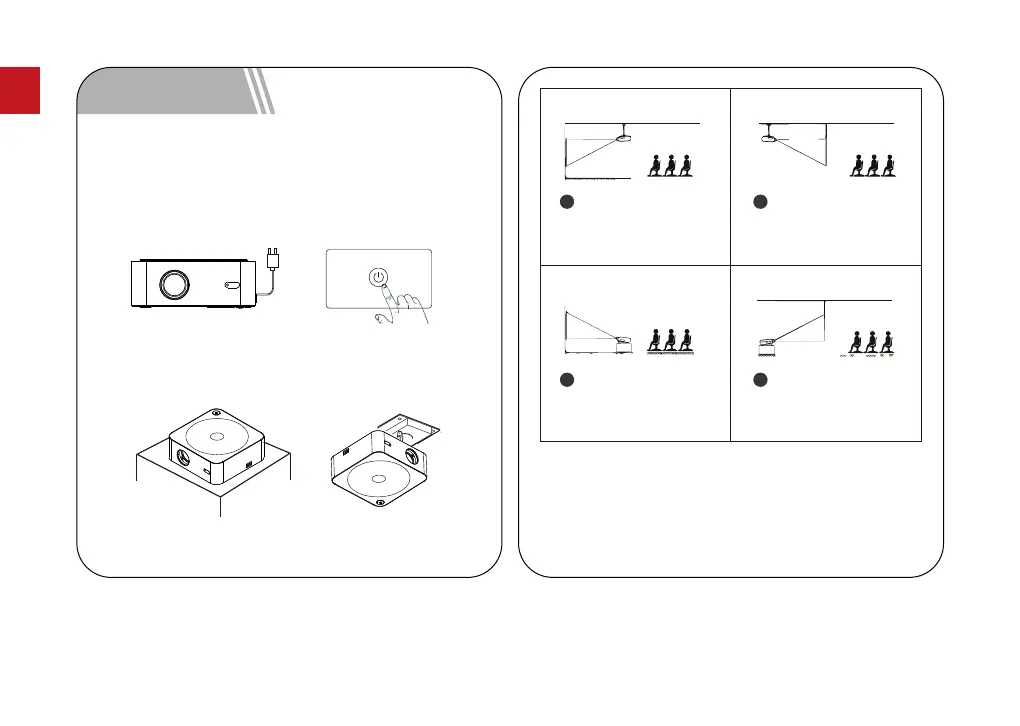
Plug in the AC power cord, click the power button on the
operation panel of the machine or on the remote control
and the projector will start to work.
4.1 Power On / Power Off
You can choose horizontal placement or hanger
installation.
4.2 Projector Installation
4 Quick Setup
The projection screen can be played from 35" to 150".
The recommended projection screen is 50" to 100".
Ambient darkness will improve the clarity of the
projected images.
1
2
3
4
03
EN



 To Next Page