EasyManua.ls Logo

ULTRA-LINK UL-PJ55 - User Manual

ULTRA-LINK UL-PJ55
20 pages
Print Icon
To Next Page IconTo Next Page
Loading...
Please read the manual carefully
before operating projector.
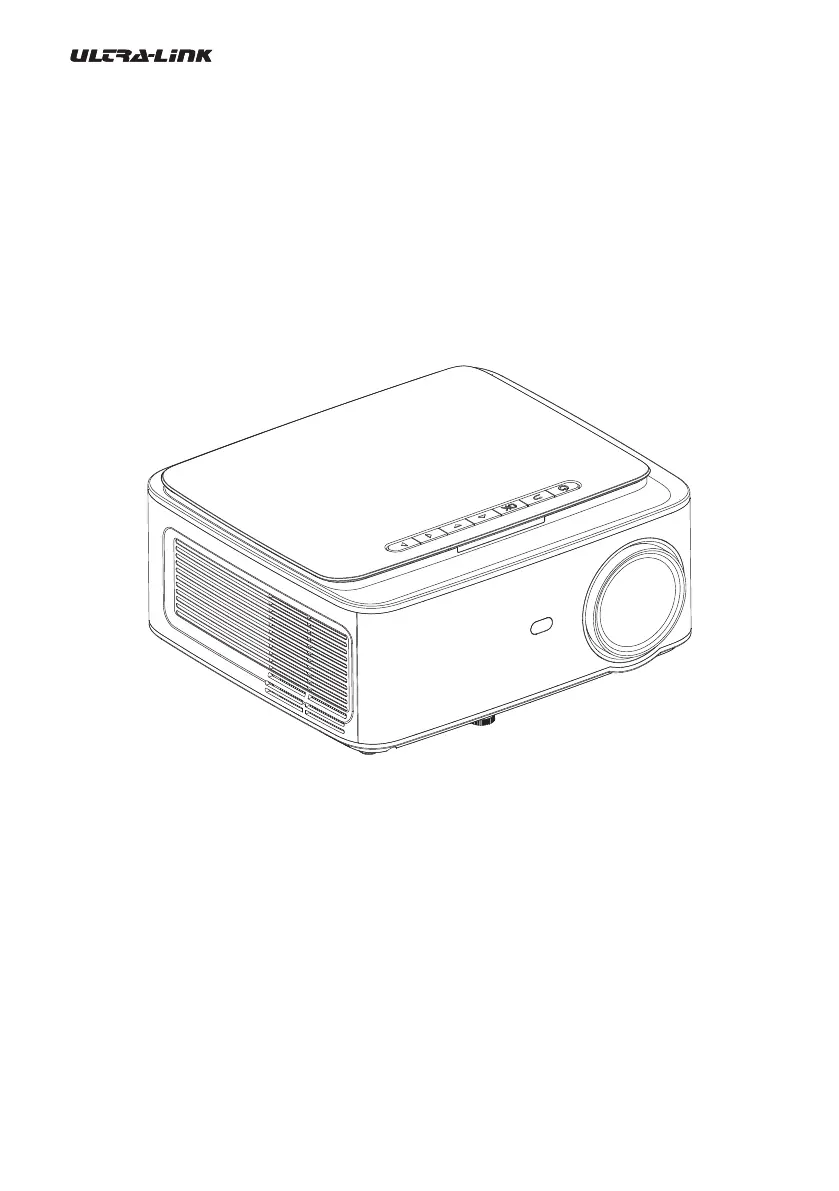
UL-PJ55
Compact Smart Projector Manual

Questions and Answers

  • J
    Jordan EscobarAug 12, 2025
    What to do if my ULTRA-LINK UL-PJ55 shows no image?
    • B
      Barbara EllisAug 12, 2025
      If your ULTRA-LINK Projector displays no image, there might be several reasons: * The input source may not be correct, so check the input source. * There might be no input signal, ensure there is an input signal. * The input cable might not be connected properly, so check its connection. * If you are in PC mode, the PC output frequency may not be 50-60Hz, make sure it is set correctly. * If using a laptop, the output signal may not be HDMI1 or HDMI2, verify that it is.
  • L
    Logan WilkinsAug 21, 2025
    Why does my ULTRA-LINK UL-PJ55 Projector turn auto-off?
    • L
      Linda TranAug 21, 2025
      Your ULTRA-LINK Projector may turn off automatically due to several reasons: * The projector ventilation might be blocked, so unblock the projector ventilation. * The voltage supply might not be stable, ensure stable voltage supply. * The projector might have overheated, check that the fan is not broken and is operating properly.
  • J
    Jennifer DavisSep 1, 2025
    What to do if ULTRA-LINK UL-PJ55 remote control doesn't work?
    • S
      Steven ColemanSep 1, 2025
      If your ULTRA-LINK Projector isn't responding to the remote control, consider the following: * Ensure the power switch is turned on. * The remote control might have no batteries or the batteries are low, replace the batteries. * The remote control might not be aimed at the IR receiver, aim the remote control at the IR receiver. * The IR receiver might be under strong lights, remove strong lights from around the IR receiver.

ULTRA-LINK UL-PJ55 Specifications

General IconGeneral
Brightness1500 Lumens
Contrast Ratio1000:1
Lamp Life30000 hours
Input PortsHDMI, VGA, USB
Output PortsAudio Out
Keystone Correction±15° (Vertical)
Aspect Ratio16:9