EasyManua.ls Logo

Ultrak KC5500CN - User Manual

Ultrak KC5500CN
36 pages
Print Icon
To Next Page IconTo Next Page
Loading...
®
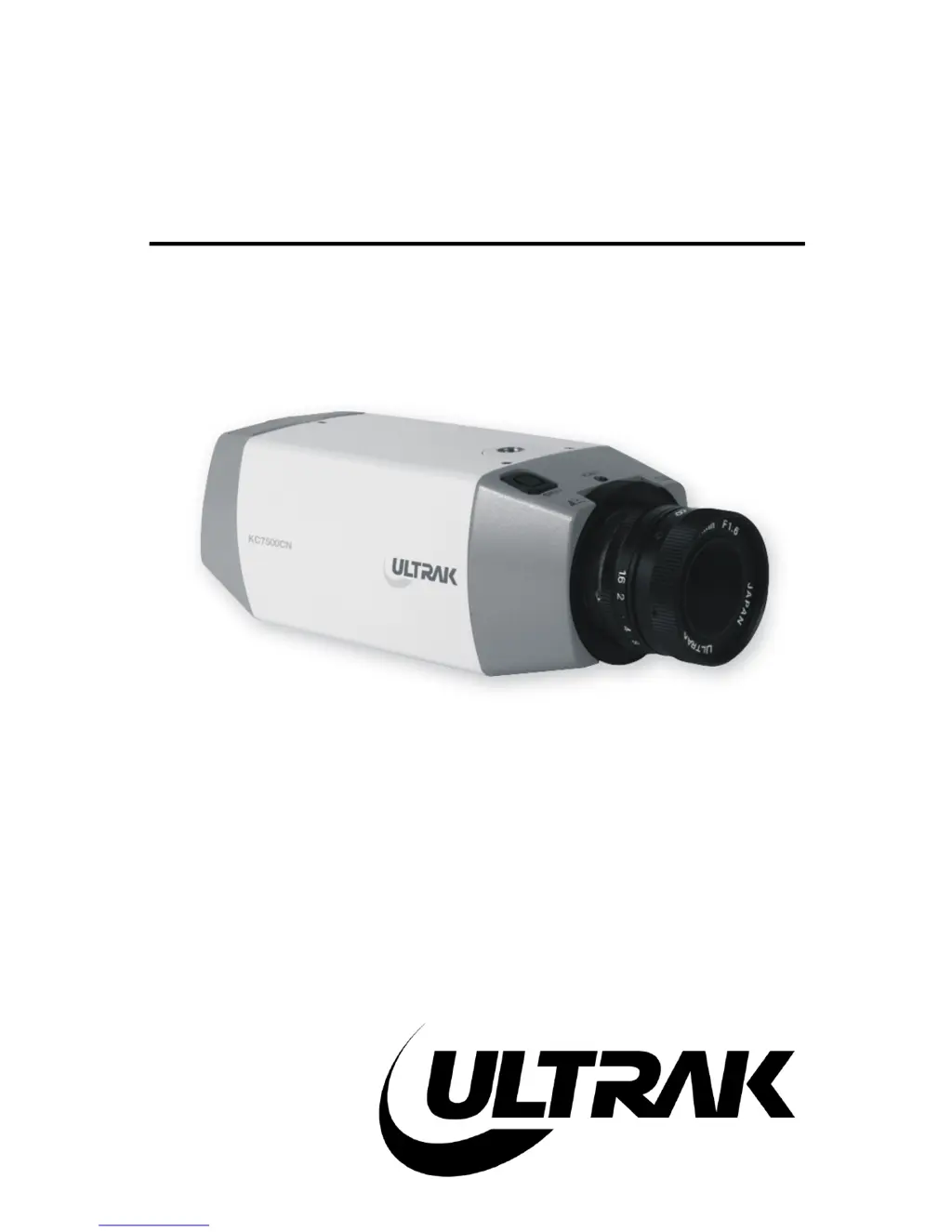
KC5500CN / KC550BCN
KC7500CN
1/3" DSP
COLOR CAMERA
INSTALLATION
INSTRUCTIONS
Ultrak Worldwide Support Center:
1301 Waters Ridge Drive
Lewisville, TX 75057
(800) 796-2288
(972) 353-6400
FAX (972) 353-6670

Questions and Answers

Summary

Camera Safety and Handling Precautions

Key Safety Guidelines

Lists essential safety guidelines for proper and safe use of the camera, covering various scenarios.

FCC and Regulatory Compliance

Compliance Information

Details the equipment's compliance with FCC regulations for radio frequency interference.

About the 1;3 DSP Color Camera

Purpose and Features

Explains the camera's function and lists its key technical features.

Camera Controls and Connections

KC5500 CN & KC5500 BCN Controls

Details controls and connections for KC5500CN/KC5500BCN across views.

KC7500 CN Controls

Details controls and connections for the KC7500CN across views.

Camera Installation and Adjustment

Installation Procedures

Covers package contents, basic installation steps, and connecting the camera.

Lens and Backfocus Adjustments

Guides manual iris, auto-iris, and backfocus adjustments for optimal picture quality.

Troubleshooting Camera Issues

Common Problems and Solutions

Provides a table of common issues like "No Power" or "No Picture" with troubleshooting steps.

Preventive Maintenance Schedule

Routine Maintenance Guidelines

Outlines recommended periodic checks and cleaning for the camera.

Technical Specifications Overview

Product Specifications

Lists detailed technical parameters such as image sensor, resolution, illumination, and dimensions.

Ultrak KC5500CN Specifications

Video Specifications IconVideo Specifications
video formatNTSC, 525 lines
horizontal frequency15.75 KHz
vertical frequency60 Hz
resolution330 TV lines
signal/noise ratio46dB
Power IconPower
video output voltage1.0 Vp-p
power consumption3.6W max.
video output impedance75 Ohms
Operating Environment IconOperating Environment
ambient temperature14°F to 122°F (-10°C to +50°C)
ambient humidity0~96% (non-condensing)
minimum illumination1.0 Lux (F1.4)
Weight and Dimensions IconWeight and Dimensions
dimensions2.44W x 2.12H x 5.51D in (62W x 54H x 140D mm)
weight10.2 oz (290g)
camera mount¼"-20 UNC (top/bottom)