
 Need help?
Do you have a question about the ULTRAPROX ADVENTURE CAM 8 and is the answer not in the manual?
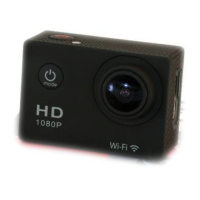
Identifies the camera lens and LCD screen.
Lists the main operational buttons on the camera.
Details recording time for different microSD card sizes and resolutions.
Information on compatible microSD card types and recommendations.
Instructions for charging the camera battery.
Steps to connect the camera to the mobile app.
Guidance on attaching the camera to various equipment.
 General
| Resolution | 4K |
|---|---|
| Battery Life | 90 minutes |
| Connectivity | Wi-Fi, Bluetooth |
| Screen Size | 2.0 inches |
| Waterproof | Up to 30m with waterproof case |
| Storage | MicroSD (up to 128GB) |

 To Next Page