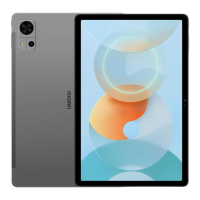
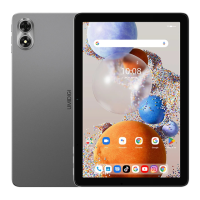
Need help?
Do you have a question about the UMIDIGI G3 Tab and is the answer not in the manual?
Instructions for inserting a Micro SIM card into the device, noting orientation and card type.
Guidance on inserting a memory card, including orientation and card type, and a reminder to turn off the tablet.
Information on selecting preferred network types for dual SIM functionality via device settings.
Details on connecting to Wi-Fi networks, Bluetooth, and setting up a portable WLAN hotspot.
Instructions for using the tablet's camera for photos and videos, including focusing and modes.
 General
| Display | 10.1 inches |
|---|---|
| Processor | Unisoc T606 |
| RAM | 4 GB |
| Storage | 64 GB |
| Rear Camera | 13 MP |
| Front Camera | 5MP |
| Battery | 6000 mAh |
| Operating System | Android 13 |
| Connectivity | Wi-Fi, Bluetooth |
| Charging | 10W |
| Colors | Gray, Green |

 To Next Page