Pairing your UA Scale with UA Record
Set up your UA Scale with your UA Record account and Wi-Fi connection so it can
automatically log your measurements.
§ The UA Record app must be installed on your phone. You also need to have a UA Record
account.
§ Make sure the Bluetooth
®
setting on your phone is on to connect your UA Record account
with your UA Scale.
§ Make sure your device is in close proximity to your phone.
§ Make sure your UA Scale is in range of your Wi-Fi router.
§ Your UA Scale supports Wi-Fi 802.11 b/g.
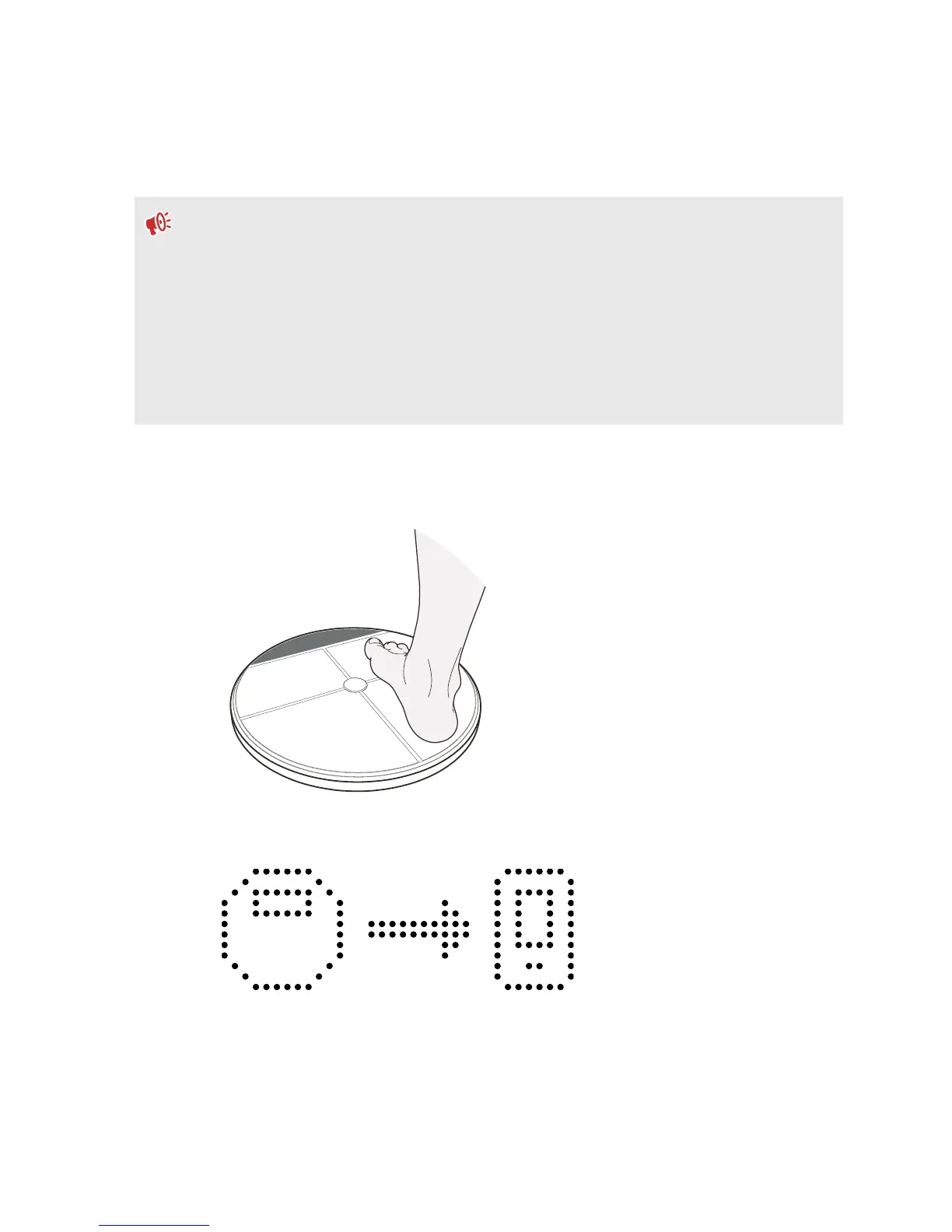
1. Briefly press your UA Scale with your foot to turn it on.
The first time you turn on your UA Scale, you'll be prompted to pair it with the UA Record
app.
2. On your phone, open the UA Record app.
8 Getting started


 To Next Page