11
Notes:
The tables with the Modbus records is
available on the website with the tech-
nical info
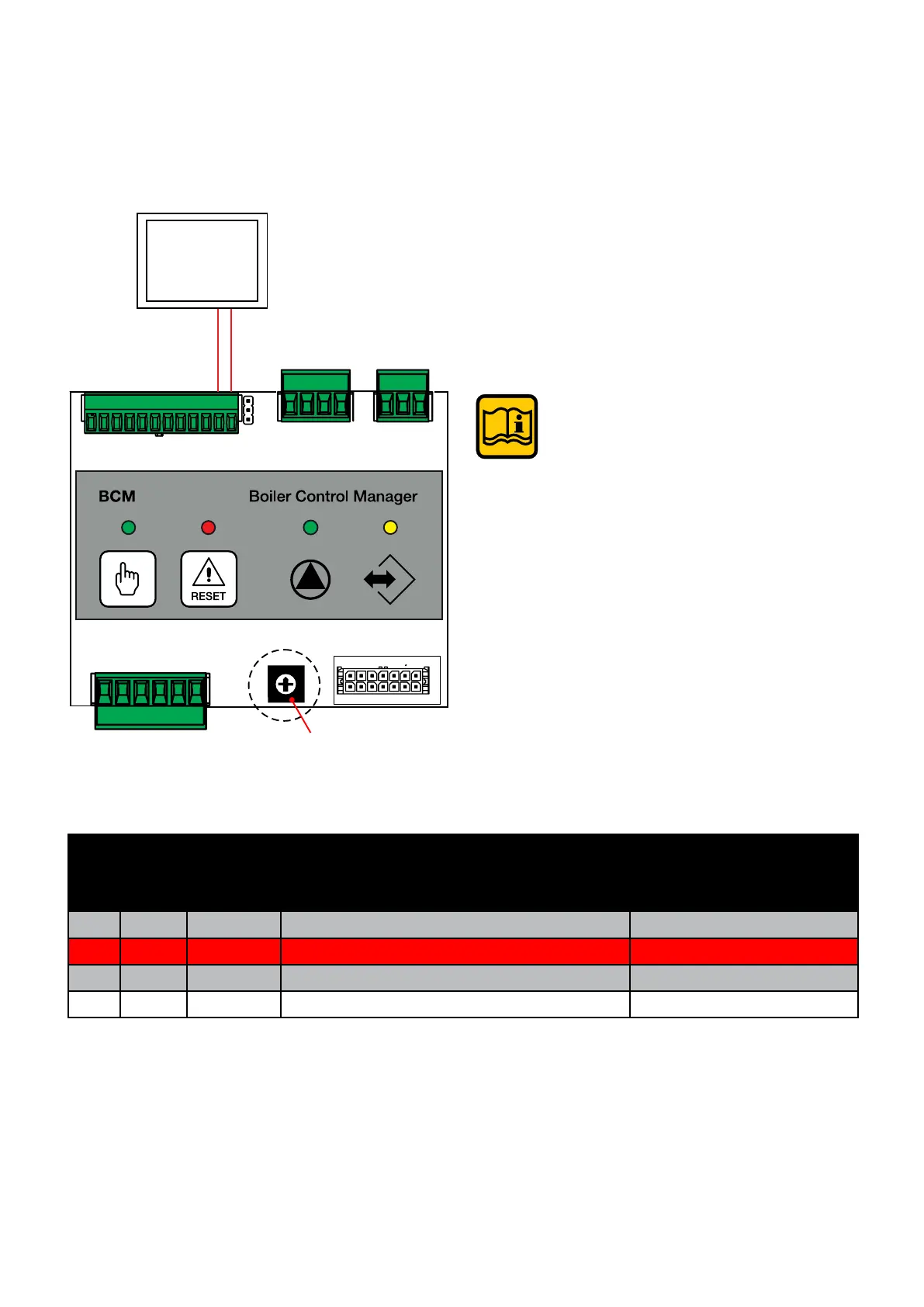
To change the modbus address (default
1), it is necessary to change parameter
816.
Rotary selector Sw1
only acts on the eBUS address.
As well as with 0-10V, the boiler can also be
controlled with Modbus
Code
Sym-
bol
Value Description Default
settings
816 MI Modbus Address
0 ÷ 127 1
817 MT sec. Modbus Time-out
0 ÷ 240 30
Y4
1
2
3
4
1
2
3
1
2
3
4
5
6
Y3
Y2
12 11 10 98 765
4321
0
1
2
3
4
5
6
7
8
9
981011121314
2134567
Jp2
Modbus
BCM
Modbus A
Modbus B
3.4 BCM (HCM) - Settings for use with Modbus



 To Next Page