12
3.5 - Error code
When the boiler detects a fault, the alarm symbol is displayed on the user interface display.
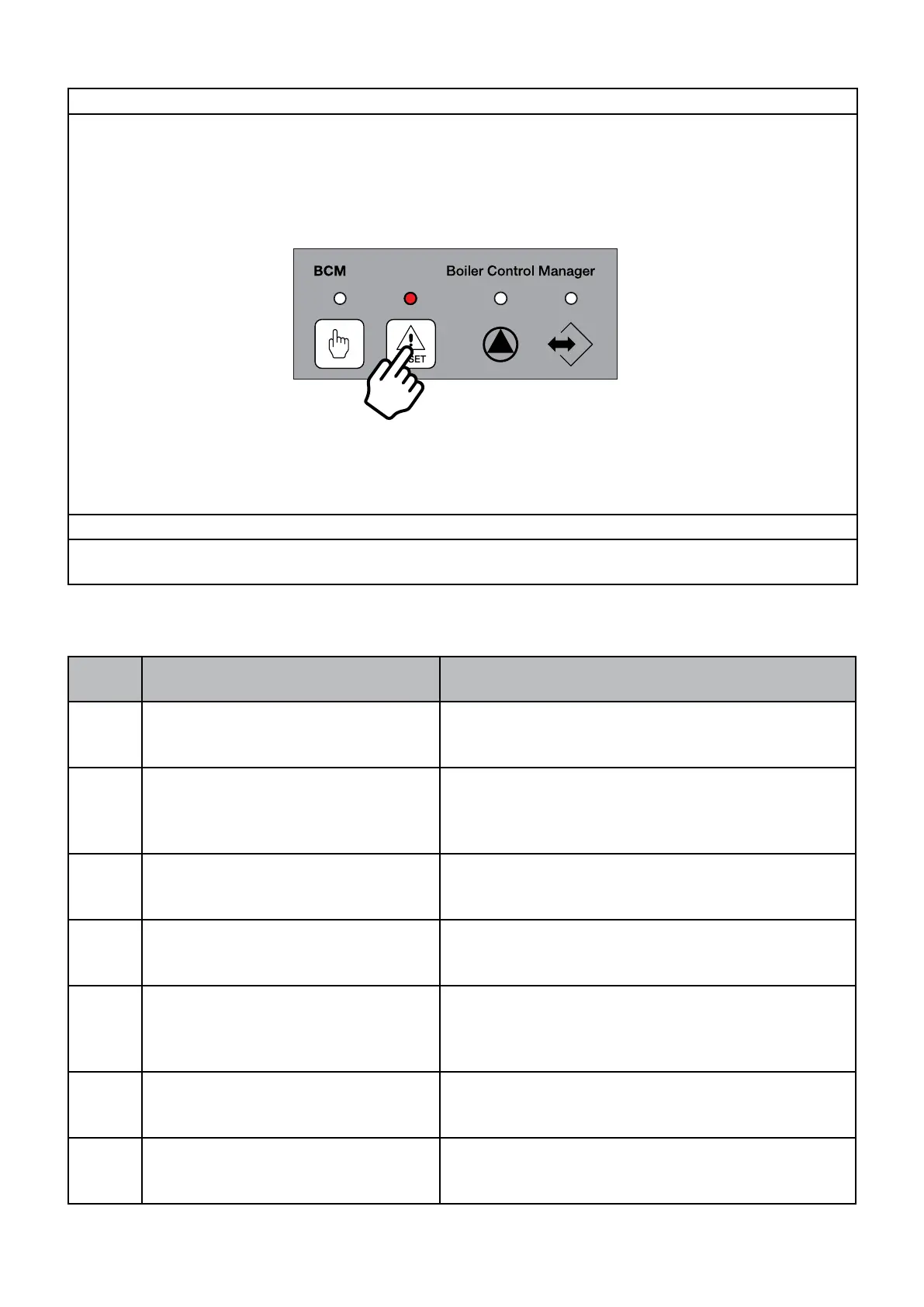
You can reset the boiler by pressing:
- key R from the user interface or key RESET from BCM.
CODE
DESCRIPTION
detected on BCM (HSC)
SOLUTIONS
9
EXTERNAL SENSOR (SE)
Enabled but not connected
Eect: No OTC
RESET: MANUAL/AUTO
13
DOMESTIC HOT WATER SENSOR
(S.acc DHW)
DHW sensor fault
Eect: DHW service not active
RESET: AUTO
Check the eciency of the sensor (see Res/Temp table)
or its connections.
39
DAMAGED USER PARAMETERS
due to electromagnetic interferences.
Eect: none
RESET: AUTO
56
THE HSCP remote control
is connected by not detected.
It is possible to activate burner ignition from the BCM
manual request button (A)
02
GAS PRESSURE SWITCH
Insucient gas pressure if LG param-
eter = 1
Eect: stop
RESET: AUTO
The ignition procedure is inhibited until gas pressure
reaches the correct values.
57
BMM BOARD NOT DETECTED
Eect: stop
RESET: AUTO
Check electrical connections BMM and e-BUS
29
WATER IN THE COMBUSTION
CHAMBER
Eect: stop
RESET: AUTO


 To Next Page
 Loading...