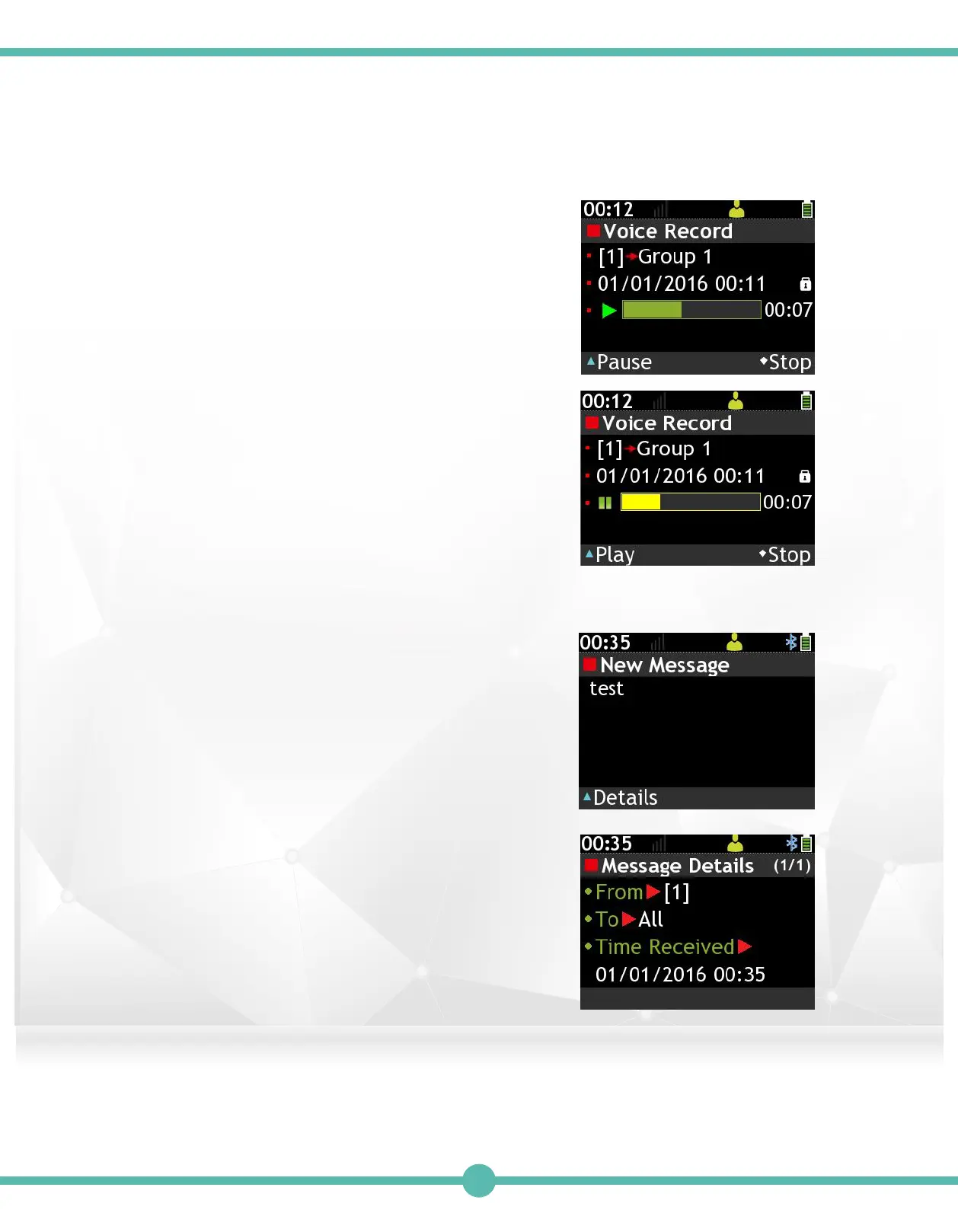
Voice Call Message: Press the "K1" Key
to read (Play) highlighted message.
A. Press the "K1" Key to Pause
B. Press the "K4" Key to Stop.
to Pause
to Details
Read Message (Voice Call Message)4.
Text Call Message: Press the "K1" Key to
read (View) highlighted message.
A. Press the "K1" Key for Details.
Read Message (Text Message)5.
32



 To Next Page