EasyManua.ls Logo

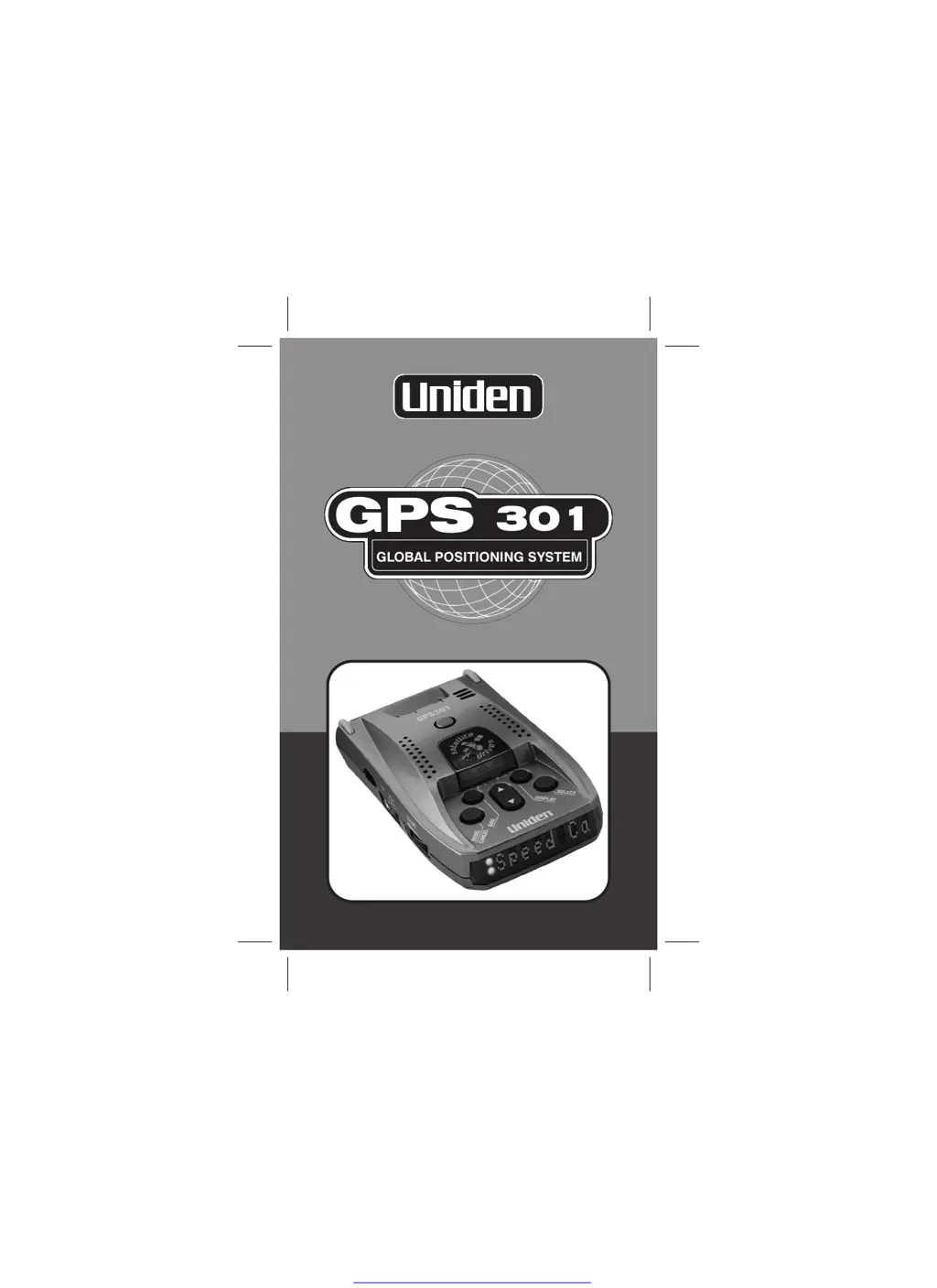
Uniden GPS 301 - User Manual

Uniden GPS 301
32 pages
Print Icon
To Next Page IconTo Next Page
Loading...
GPS
301
GLOBAL POSITIONING SYSTEM
Get other manuals https://www.bkmanuals.com

Other manuals for Uniden GPS 301

Questions and Answers

  • P
    Philip LoweAug 1, 2025
    How to fix a Uniden GPS unit that does not operate?
    • E
      Erika HansenAug 1, 2025
      If your Uniden GPS unit isn't turning on, there are several things to check: * Ensure the power cord is properly connected. * Verify the ignition key is in the ON or accessory position. * Check and replace the fuse if it's blown. * Test the power to the lighter socket. * Rule out any vehicle electrical problems. * Make sure the volume control is in the ON position. * Clean the cigarette lighter socket.
  • J
    Jennifer JohnsonAug 7, 2025
    How to stop Uniden GPS from bouncing on windshield?
    • J
      jenkinscharlesAug 7, 2025
      If your Uniden GPS unit bounces against the windshield, reposition it so the bumpers are firmly against the windshield.
  • H
    Harold DoyleAug 12, 2025
    What to do if my Uniden 301 is constantly searching for a satellite?
    • J
      Joseph NelsonAug 13, 2025
      If your Uniden GPS keeps searching for a satellite, try the following: * Move the unit to a different location on the windscreen. * Drive to a location with a clear view of the sky. * Check operation in another car.
  • H
    Harold EdwardsAug 18, 2025
    Why does my Uniden GPS have weak detection?
    • H
      Holly PerryAug 18, 2025
      If your Uniden GPS has weak detection, consider these solutions: * Check the unit's angle and ensure it points towards the horizon. * Relocate the unit to avoid obstructions outside the windshield, such as wiper blades. * Move the unit away from any window tinting.
  • M
    Matthew MooreAug 25, 2025
    What to do if Uniden 301 beeps over bumps?
    • K
      Karen MossAug 25, 2025
      If your Uniden GPS beeps over bumps or rough roads: * Check that the power cord is securely connected at both ends. * Clean the cigarette lighter socket.

Summary

Warnings and Notifications

General Safety and Legal Notices

General safety and legal notices regarding GPS usage.

Quick Start Guide

Installation

Instructions for mounting the device and ensuring optimal placement.

Connecting and Powering On

Steps to connect power and turn on the GPS301 unit.

Feature Highlights

Safety Features and GPS Technology

Overview of warning systems, GPS capabilities, and trip computer functions.

Controls and Functions

Device Overview

Identification of all buttons, ports, and display elements of the unit.

3 Stage Safety Alerts

Alert System Details

Explanation of the three-stage visual and audible warning system.

Operation

Marking Quick Access Locations

How to save Home, Work, Airport, or Hotel locations.

Navigation

Options

Troubleshooting

Common Issues and Solutions

Addresses unit non-operation, detection, and mounting problems.

Uniden GPS 301 Specifications

General IconGeneral
Channels12
Display TypeLCD
WaterproofYes
Preloaded MapsNo
TypeHandheld