Need help?
Do you have a question about the UniFlow MiCard PLUS-2 V2 and is the answer not in the manual?
Explains the different text formatting used in the manual for clarity.
Details the meaning of icons used throughout the document to convey important information.
Notes that visuals may be up-to-date at printing but are subject to change.
States the document was originally in English, with translations based on it.
Provides contact information for reporting errors or suggesting improvements.
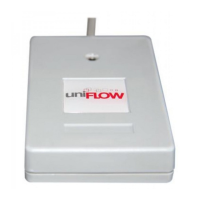
Lists the various 125 kHz and 13.56 MHz card technologies supported by the reader.
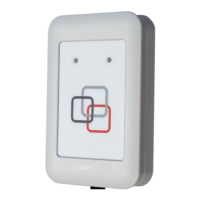
Explains that mounting brackets are sold separately and where to find details.
 General
| Operating Frequency | 13.56 MHz |
|---|---|
| Compatibility | Windows, macOS, Linux |
| Card Type | MIFARE Classic, MIFARE Ultralight, MIFARE DESFire |
| Supported Standards | ISO 14443 |
| Host Interface | USB |
| Interface | USB |
| Supported Card Types | MIFARE, DESFire |
| Read Range | Up to 50 mm |

 To Next Page