Service Manual
19
5 DETAIL OF FUCTION
5.1 Power On/Off
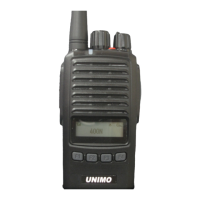
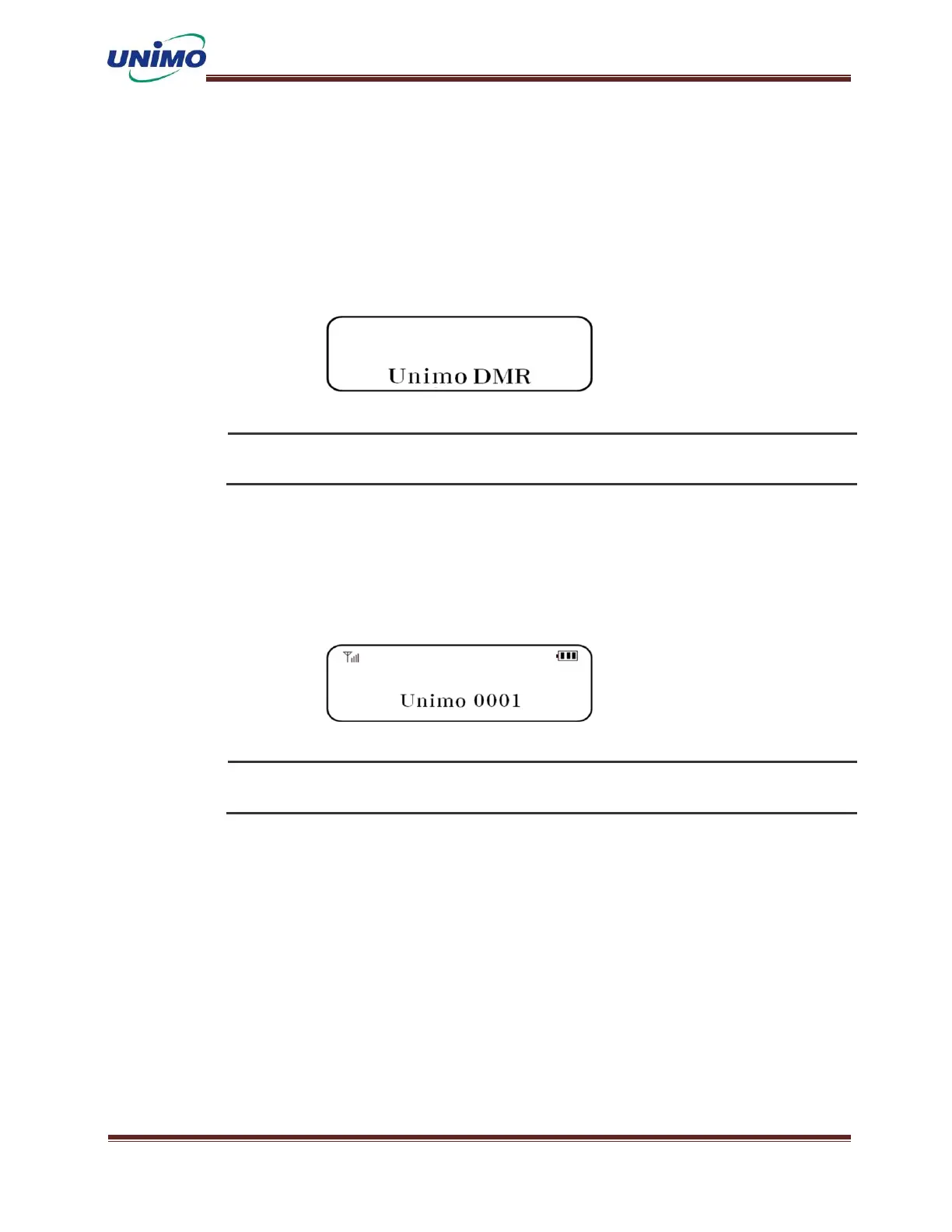
When power is supplied by turning the power switch clockwise, the manufacturer name and mod
el name are displayed on the LCD, followed by the current group name and terminal ID, and a
“beep beep” sound is heard. From this point on, the terminal can operate normally.
If you turn on the radio while pressing the button, it will enter special function mode and the
radio will not transmit or receive. Do not use for purposes other than those intended
5.2 Wireless Transmission
When you press the PTT button on the side of the transmitting terminal, the red LED turns o
n and voice is transmitted. For best sound quality, it is recommended to maintain a distanc
e of 5 to 10 cm.
When setting the TOT function, a function that blocks indefinite transmission is activated. This is
to give other users the opportunity to transmit.
5.3 Wireless Reception
Use the volume switch to adjust the volume. In normal reception mode, the antenna bar on th
e LCD is displayed and the top lamp lights up in green. The frequencies are the same, but i
f the reception is not normal, the green lamp blinks.
5.4 Change Channel
When you press the channel up/down button or turn the channel switch (encoder) left or righ


 To Next Page
 Loading...