Service Manual
26
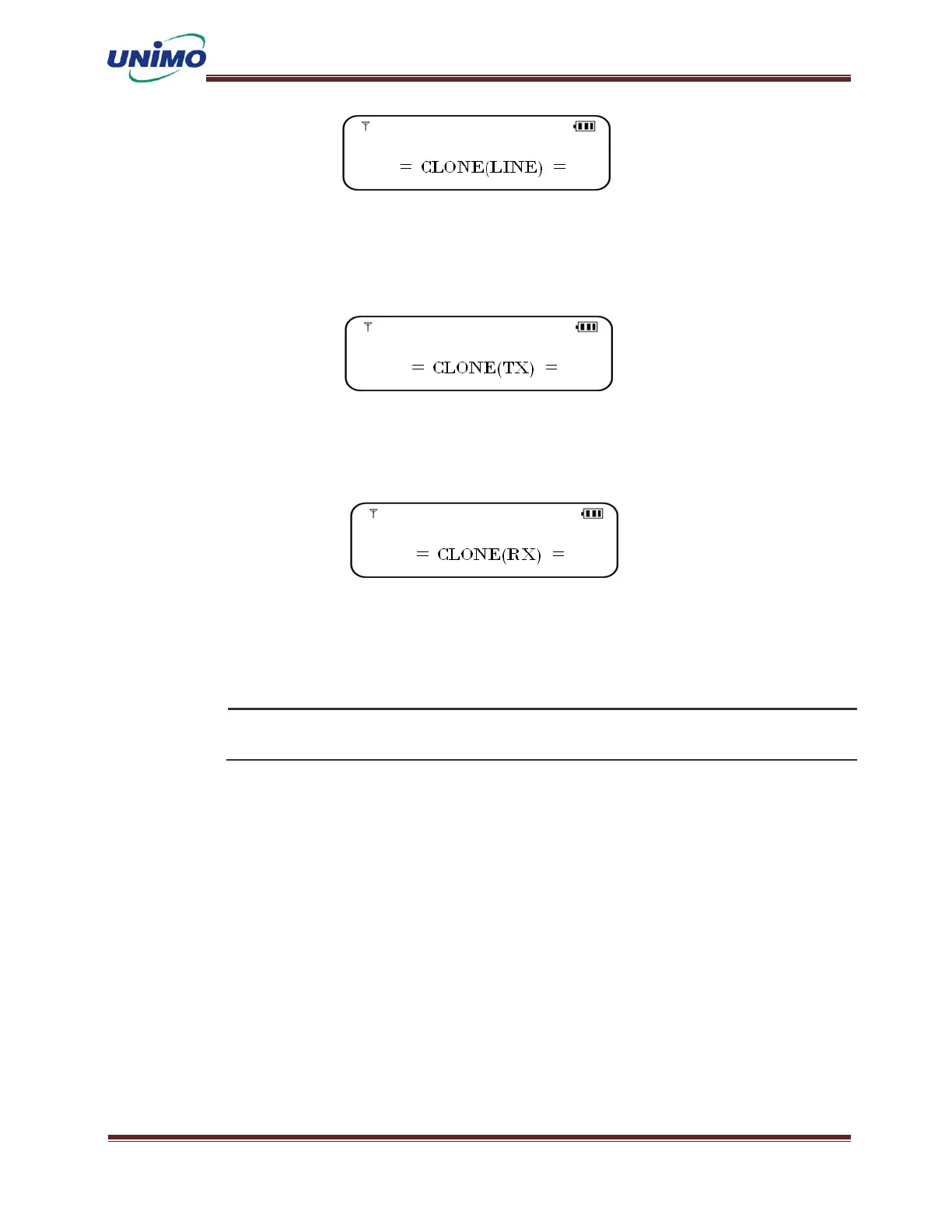
Wireless Cloning
Turn on the original radio while pressing the monitor button on the side, then press
the ‘UP/DOWN’ button to select “CLONE (TX)”.
Turn on the clone radio by pressing the monitor button on the side, then press the
‘UP/DOWN’ button to select “CLONE (RX)”.
◼ When you press the ‘Menu’ button on the original terminal, 0% is displayed, and then
when you press the PTT button, cloning is performed. If cloning is successful, the text
“Complete” is displayed on the LCD of the original radio..
Cloning data on radios of different models and versions may cause fatal operational errors..
5.19 SMS(Short Message Service)
This is a function for sending and receiving short messages.
Select one of the pre-stored short messages (1 to 10) from the menu and send it. Received m
essages can be checked on the LCD window..
5.20 Emergency Call
When you press the emergency button, an emergency alarm sounds and an emergency bell is tra
nsmitted to the current channel. If it is set to repeat mode, the emergency bell will be tr
ansmitted periodically (to cancel the repeat, press the emergency button again). It cannot
be activated in SCAN mode. It can be set in advance using the CPS program, and the user can


 To Next Page
 Loading...