Service Manual
28
SFR(Single Frequency Repeater)
This function allows you to use a single channel as a repeater.
In CPS program channel settings, select SFR Rep for the terminal to be used as a repeater,
and select SFR Unit for the terminal to be used in relay mode.
You can also set it in the radio's menu settings.
In the radio settings, go to the “Settings” menu and select “SFR-Rep” for the terminal
to be used as a repeater and “SFR-Unit” for the terminal to be used in relay mode in the
“SFR-Settings” item.
Terminals that do not use the “SFR-Rep” function may consume more battery.
5.23 Setting up and Using Features
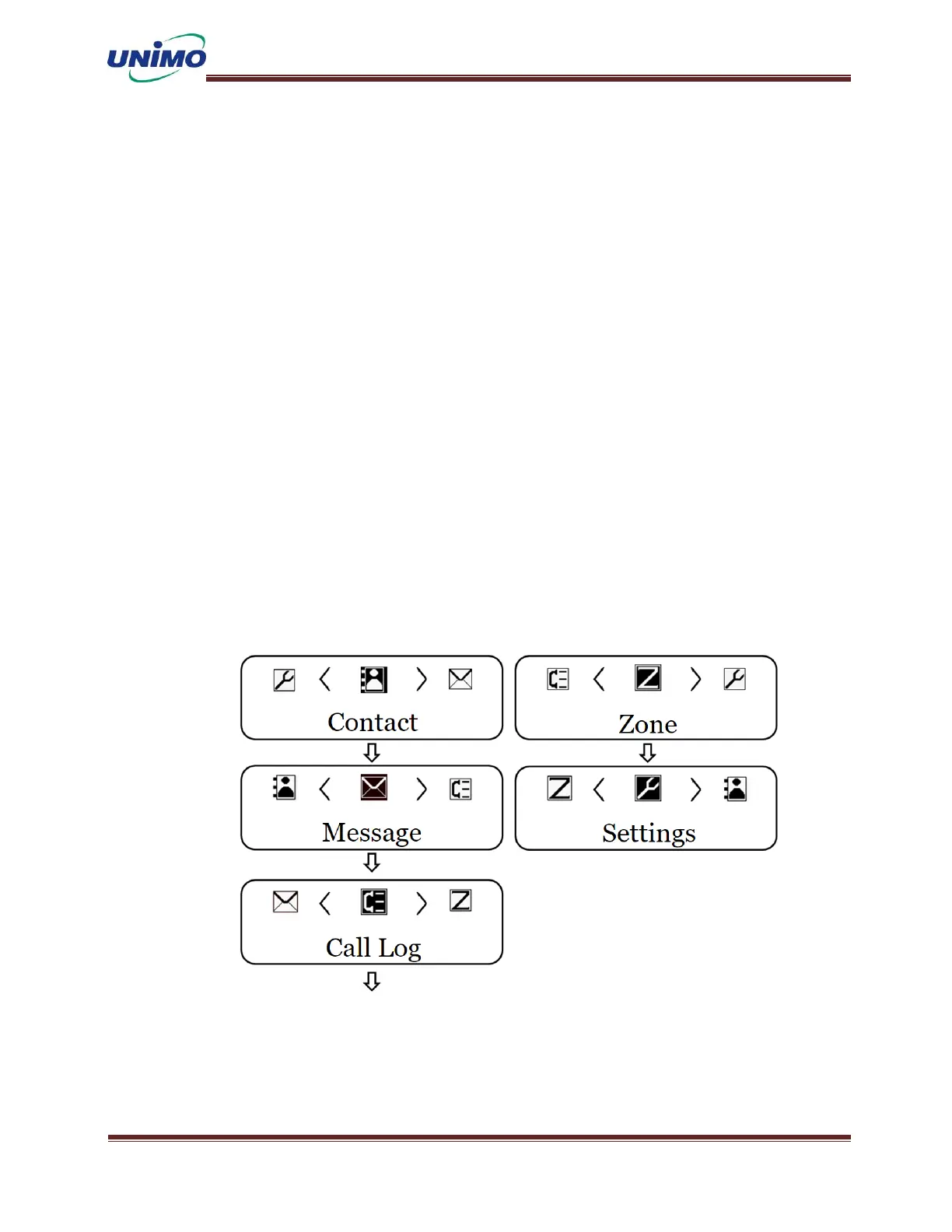
When you press the menu button, you will enter menu mode with a “beep” sound. There are 6
large menus in menu mode, and you can use the radio more conveniently by setting it accord
ing to your intended use and environment. Use the ‘UP’ and ‘DOWN’ keys to select the re
levant menu. *Menu composition may vary depending on model and digital/analog model.



 To Next Page