EasyManua.ls Logo

Uniphos 500DT - User Manual

Uniphos 500DT
33 pages
Print Icon
To Next Page IconTo Next Page
Loading...
1 of 33
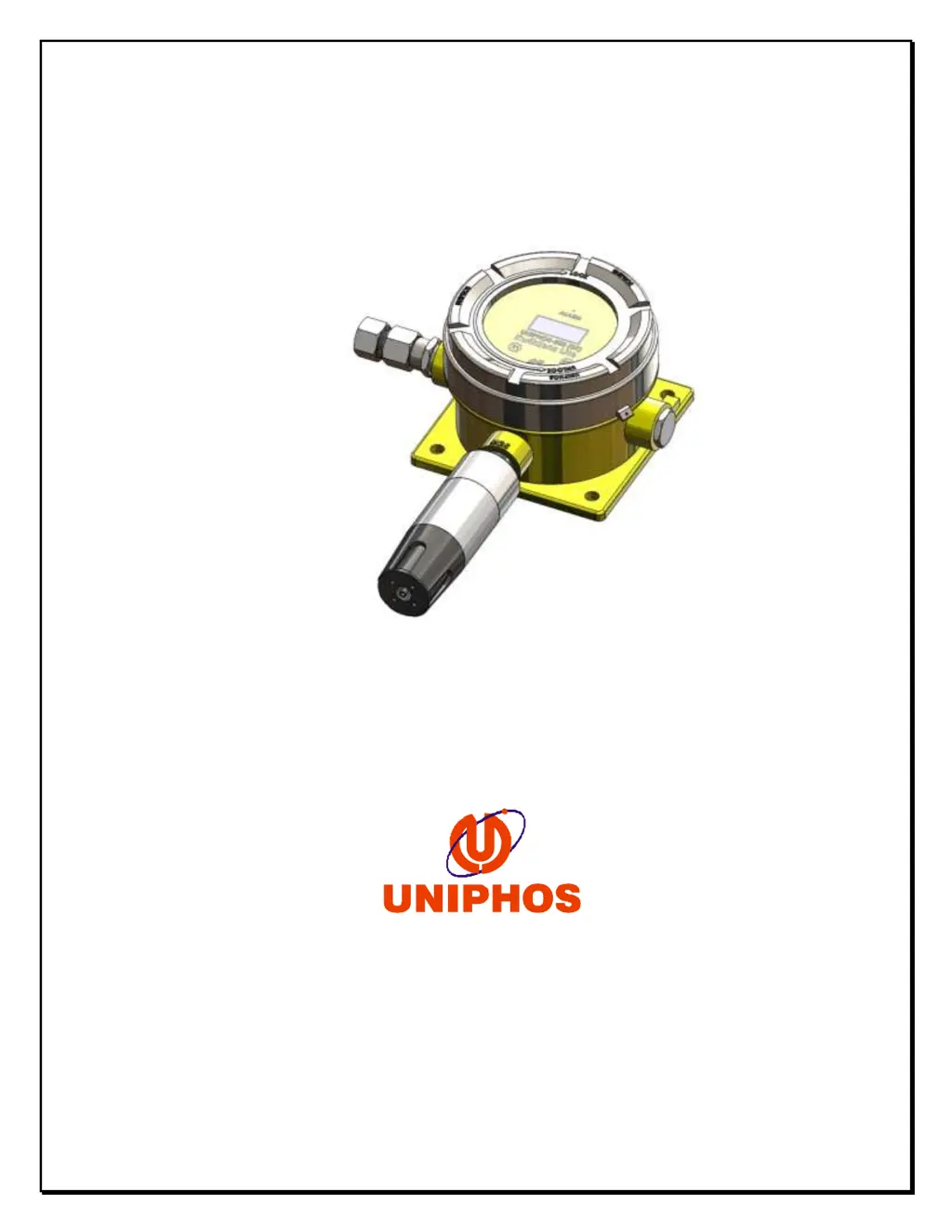
UNIPHOS500DT
Digital Transmitter
Uniphos Envirotronic Pvt. Ltd.
Readymoney Terrace,
167, Dr. Annie Besant Road,
Worli, Mumbai - 400 018.
India
INSTRUCTION MANUAL

Questions and Answers

  • J
    Juan BrownAug 9, 2025
    What to do if Uniphos Transmitter loop current 4-20 mA signal is not available?
    • S
      sdavisAug 10, 2025
      If your Uniphos Transmitter initializes correctly but the 4-20 mA signal is missing, the green signal out wire might be shorted to the ground wire. To resolve this, carefully check the wiring and also verify the “4mA Enable/Disable” option.
  • K
    kelly89Aug 19, 2025
    Why my Uniphos Transmitter unit is not getting powered on?
    • S
      Susan PowellAug 19, 2025
      If your Uniphos Transmitter isn't powering on, it might be due to a loose connection on the supply cables or reverse polarity. Check the cable connections on Connector CN7 of the bottom board to ensure they are secure and correctly oriented.
  • S
    sphillipsAug 29, 2025
    What to do if Uniphos Transmitter LCD/OLED showing Error- No sensor?
    • K
      Kristin BarronAug 29, 2025
      If your Uniphos Transmitter LCD/OLED displays an 'Error- No sensor' message, it's likely the sensor isn't properly connected. Remove the sensor and carefully re-plug it into the sensor housing to ensure a secure connection.

Summary

Installation of the Uniphos-500 DT Transmitter

4-20 mA Loop Installation

Detailed steps for connecting the 4-20mA output signal loop.

Power Supply and Signal Connections

How to connect the power supply and 4-20mA signal cables to the transmitter.

Operating the Uniphos-500 DT Transmitter

Gas Alarm Conditions and Advice

Details on low, high, and over-range gas alarms and their indicators.

Fault Alarm Conditions and Advice

Explains fault conditions like sensor errors and drift with their indicators.

Calibration Procedures and Guidelines

Calibration Procedure Steps

Step-by-step instructions for performing the transmitter's calibration.

Additional Transmitter Settings

Maintenance and Sensor Care

Troubleshooting Common Transmitter Faults

Transmitter Not Powered On

Steps to resolve issues when the transmitter fails to power up.

Error: No Sensor Displayed

Troubleshooting steps for the 'Error-No sensor' message on the display.

Uniphos 500DT Specifications

General IconGeneral
BrandUniphos
Model500DT
CategoryTransmitter
LanguageEnglish