Can I use my telescope while charging ?
Yes. The charging time may vary from 6.5 hours
on OFF mode to 8 hours while operating.
Warning: do not charge the battery if the
temperature is below 10°C (50°F).
Cold environments can reduce
the available battery capacity and
shorten duration of use. While
the eVscope 2 can function in
temperatures down to -20°C (-4°F),
we recommend you avoid using
your eVscope 2 below 0�°C (32°F) or
above 40°C (104°F) to enhance the
battery life.
Did You
Know ?
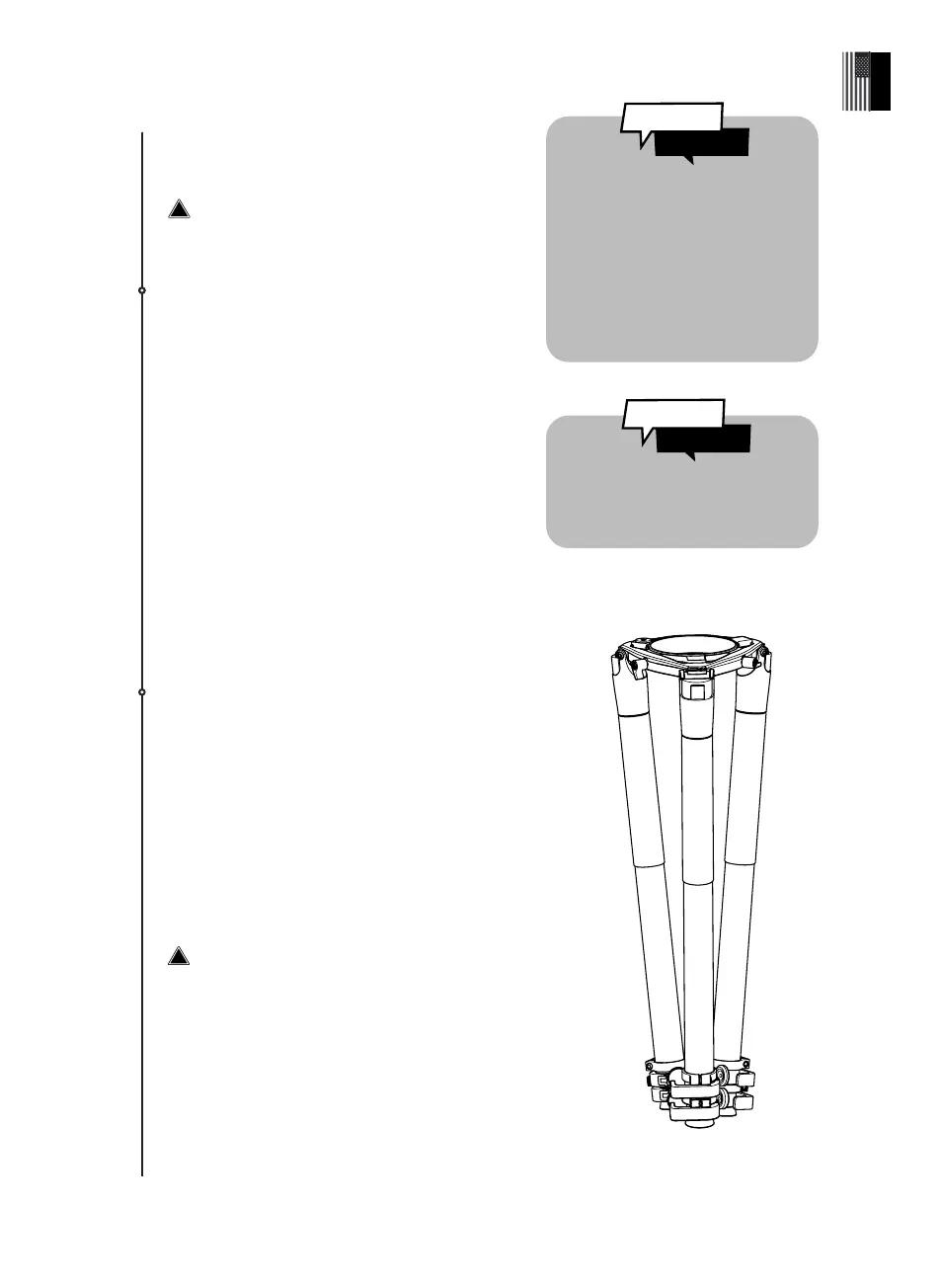
The tripod
Made for deep sky observations, it has a bubble
level at the top of one of three multi-angle leg
locks, near where the eVscope 2 is secured. Make
sure your tripod is accurately leveled or your
observations will be slightly inaccurate.
IMPORTANT: make sure to fully tighten the screws
on your tripod, but not overly-tighten them which
can strip the screws and make the tripod unstable.
Additionally, ensure the legs are properly locked
before transfering your eVscope 2 to the tripod.
Warning: the tripod cannot be used for any
other purpose than holding your eVscope 2.
Tripod’s characteristics :
Measurements : 59 cm x 13 cm (23,2 inches x 5,11
inches) - 125 cm of heights max & 98 cm wide open
(49.2 inches x 38.5 inches)
Weight : 2kg (4.4 lbs)
The LED
Where is the LED located on the eVscope 2 ?
The LED is on the Power / ON button.
What does each color mean?
Purple: eVscope 2 software ON or OFF (for a few
seconds)
Red : eVscope 2 ON, ready to use, operational
Purple and blinking 5 times: eVscope 2 OFF
with not enough charge to turn ON (charge it)
Blue and blinking : eVscope 2 OFF and charging
(will blink from 6 times: fully discharged to
steady blue : fully charged)
Yellow and blinking : eVscope 2 updates in
progress
Green and blinking : transfer in progress
Orange : data transfer has failed
White : an error has happened, reboot your eVscope.
We choose the color red to power
on the device so it won’t dazzle you
at night.
Did You
Know ?
!
!
12 | User guide
English



 To Next Page