Observing the Moon :
Because of its brightness and proximity, a "Go to Moon" may not
center the Moon exactly in the eVscope 2 fi eld of view.
Follow these simple steps to get the best Moon observation :
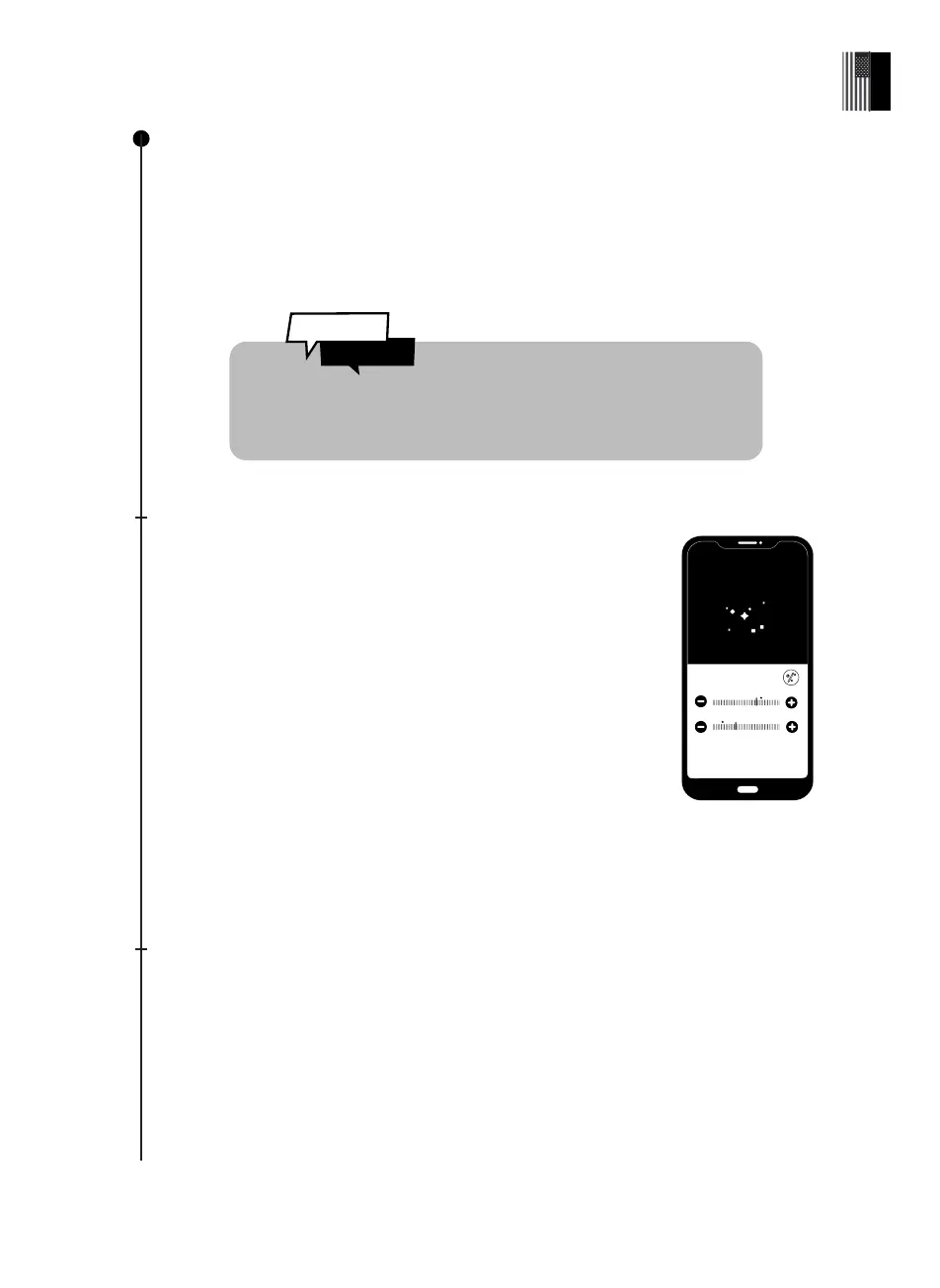
After the Go to Moon, open the live view settings and make sure Gain (dB)
and Exposure Time (ms) are not set on «auto».
Gently reduce the Gain (dB) by dragging the control button to the left.
When your screen is almost dark, press the settings icon and with
the joystick move the telescope in direction of the light source.
Observation of the Moon & planets
You can observe the Moon and planets, like Jupiter and Saturn, but they are very bright.
They can’t be seen better than with a classical telescope, except for Neptune and Uranus
which are very far and fainter.
Use the Go to button to point the eVscope 2 at the celestial object. Gain (dB) and exposure
time (ms) will be automatically adjusted in order to view the Moon or planets.
The eVscope 2 was primarily created to observe the deep-sky
wonders of the Universe
REPEAT THIS OPERATION AS NECESSARY UNTIL THE MOON
COMES INTO FULL VIEW OF THE EVSCOPE 2.
Observing planets :
Most planets are too bright to use Enhanced Vision, and should be
observed using Live View mode.
After the Go to is validated on Venus, Mars, Jupiter or Saturn, the
eVscope 2 will automatically switch to planet mode, adjusting its
image parameters to the brightness of the object.
Did You
Know ?
Exposition
Gain
Ok
Normal mode settings
26 | User guide
English



 To Next Page