EXPLORE
4.
5.
Observe live
- Visit the Catalog Tab of your app.
- For a first observation, choose from the recommended targets.
- Once you’ve selected a target, push the GoTo button so that your eVscope/eQuinox points
automatically toward this target. This may take up to one minute.
- You can now enjoy a live view of the sky. However, most
targets are hardly visible in this mode.
- If the target is visible, you can center it using the joystick.
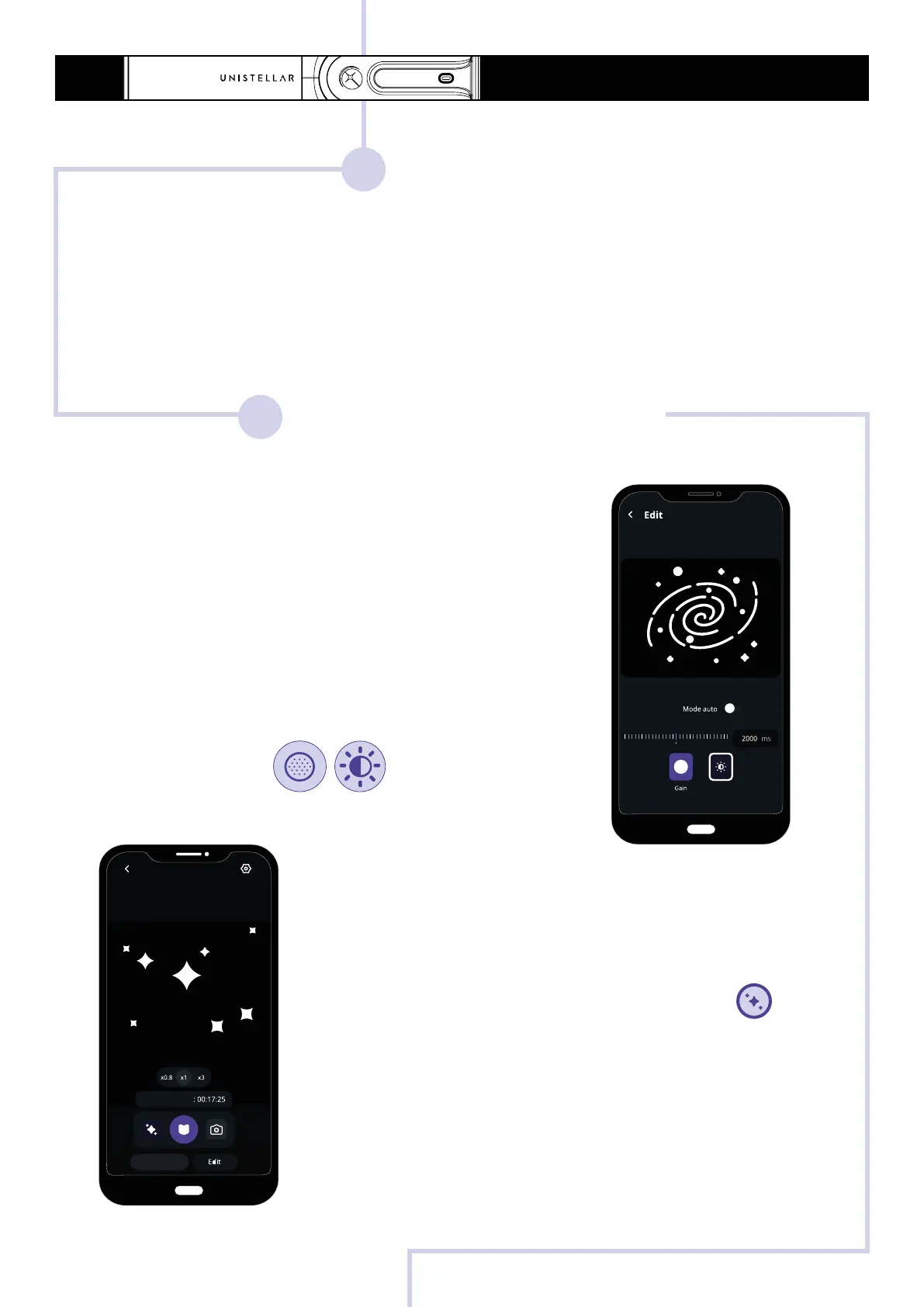
- For planets and the Moon, you should manually adjust the
settings (gain/exposure time).
Enhanced Vision
- Turn on Enhanced Vision by pressing the button .
After a few seconds, the amplified view appears. The longer
you stay, the better it gets. Most targets are clearly visible
within the first minute.
- You can improve the quality of your observation by adjusting
the Enhanced Vision settings (located in the top-right settings
menu), then wait a few seconds for the modifications to appear
in the eyepiece.
OBSERVE & ENHANCE
- You may adjust the zoom on your smartphone screen, the
same zoom is applied in the eyepiece if applicable.
5
QUICK START GUIDE - eVscope et eQuinox
Exposure time
Move
Enhanced vision



 To Next Page