Need help?
Do you have a question about the Unisurf USFUTW8110BLK and is the answer not in the manual?
Navigates to the Windows Start screen.
Powers the device on/off or manages sleep mode.
Connects to PCs for data transfer and charging via USB.
Port for charging the tablet using the AC adapter.
Magnetic interface for keyboard attachment and alignment.
Overview of the Start screen with 'magnet' applications.
Managing device power states: sleep, reboot, and shutdown.
Setting up user accounts and passwords for security.
 General
| Color | Black |
|---|---|
| Processor | Quad-Core |
| RAM | 2GB |
| Internal Storage | 32GB |
| Battery | 4000mAh |
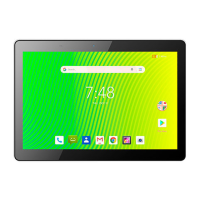
| Screen Size | 8.0 inches |
| Operating System | Android |
| Display | IPS |
| Resolution | 1280 x 800 pixels |
| Expandable Storage | MicroSD up to 128GB |
| Camera | 5MP rear, 2MP front |

 To Next Page