14
EN
Pairing your Navigation Remote
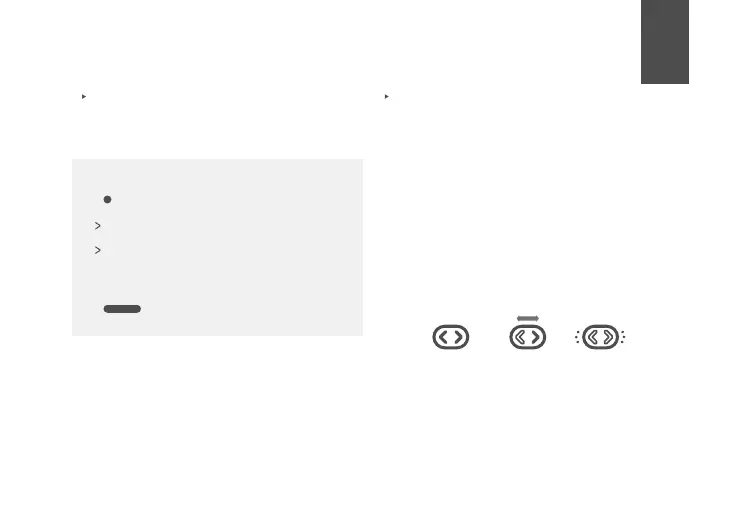
1. Start with both Helmet & Nav Remote OFF
and close to each other (Fig 1.)
2. Power on your helmet
3. Press & hold any button on the Nav
Remote (lights will blink left & right) (Fig 2.)
4. Helmet will show 3 green flashes when
complete and Nav Remote will flash 3 times
when connection is made (Fig 3.).
5. Your remote will stay paired to your helmet
unless you replace it by another one or
perform a factory reset of your helmet.
Action with L&R button
Navigation remote function overview
- 1 tap (L or R): Turn signal Activation
- hold 3 secs: System reset
If set on Automatic, turn signal will end
automatically after designated time
If set on Manual, Turn Signal will end by
tapping any button (L or R)
Fig 1. Fig 2. Fig 3.



 To Next Page