11
EN
Troubleshooting
If you are having trouble with your helmet,
follow these steps.
Charge the helmet using the USB-C cable.
Not powering on
Make sure your helmet is fully charged and
your bluetooth connection is active.
Not pairing
Reset the helmet by pressing the power
button for 5 times.
Helmet not responding
Make sure the USB-C power source is
switched on and plugged correctly.
Not charging
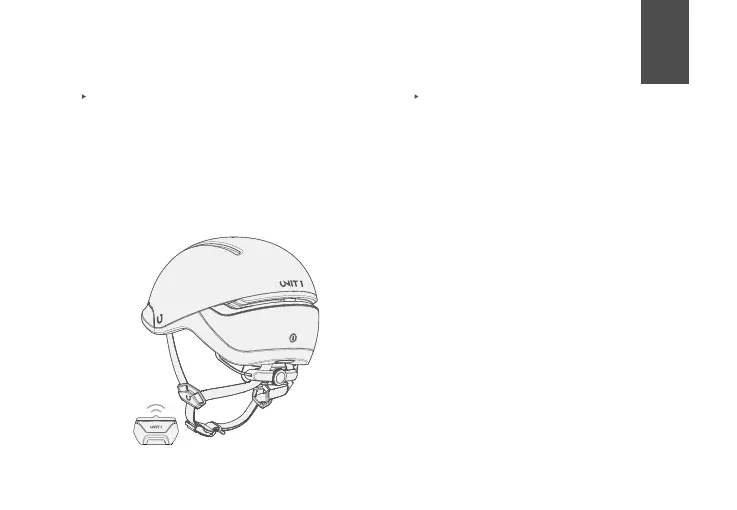
Pairing FARO with a Navigation Remote
1. Power on your helmet (should be off before
you begin)
2. Press & hold any button on the Nav
Remote (lights will blink left & right)
3. Wait for connection. Helmet will show 3
green flashes when complete, Nav Remote
will also flash 3 times.



 To Next Page