EasyManua.ls Logo

UNITRA ZK 246 - Page 8

Default Icon
35 pages
Print Icon
To Next Page IconTo Next Page
To Previous Page IconTo Previous Page
Loading...
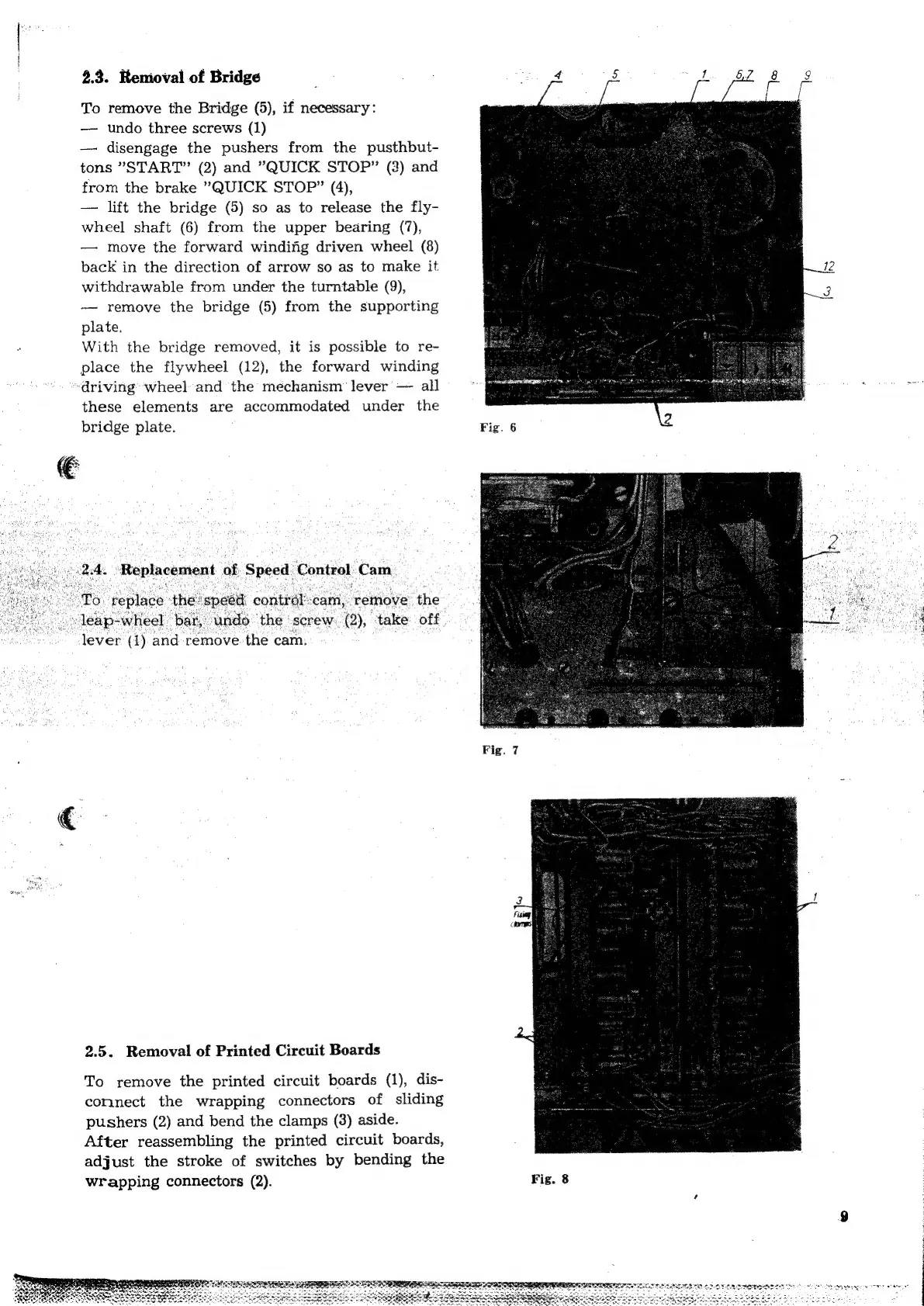
2.3.
Renioval
of
Bridge
To
remove
the
Bridge
(5),
if
necessary:
——
undo
three
screws
(1)
disengage
the
pushers
from
the
pusthbut-
tons
’START”
(2)
and
"QUICK
STOP”
(3)
and
from
the
brake
"QUICK
STOP”
(4),
lift
the
bridge
(5)
so as
to
release
the
fly-
wheel
shaft
(6)
from
the
upper
bearing
(7),
move
the
forward
windifig
driven
wheel
(8)
back
in
the
direction
of
arrow
so as
to
make
it
withdrawable
from
under
the
turntable
(9),
remove
the
bridge
(5)
from
the
supporting
plate.
With
the
bridge
removed,
it
is
possible
to
re-
place
the
flywheel
(12),
the
forward
winding
“driving
wheel
and
the
mechanism
lever’
all
Ss
these
elements
are
accommodated
under
the
bridge
plate.
Fig.
6
4
Replacement
of
t
Speed
Control.
Cam
To:
‘replace
the:
speed
contrat:
‘cam,
‘remove
‘the
leap-
-wheel.
bar,
undo
‘the
|
screw:
2),
‘take
off.
lever
(1)
and
remove
the
cam.
2.5.
Removal
of
Printed
Circuit
Boards
To
remove
the
printed
circuit
boards
(1),
dis-
connect
the
wrapping
connectors
of
sliding
pushers
(2)
and
bend
the
clamps
(3)
aside.
After
reassembling
the
printed
circuit
boards,
adjust
the
stroke
of
switches
by
bending
the
wrapping
connectors
(2).
Fig.
8