EasyManua.ls Logo

UNITRA ZK 246 - Page 7

Default Icon
35 pages
Print Icon
To Next Page IconTo Next Page
To Previous Page IconTo Previous Page
Loading...
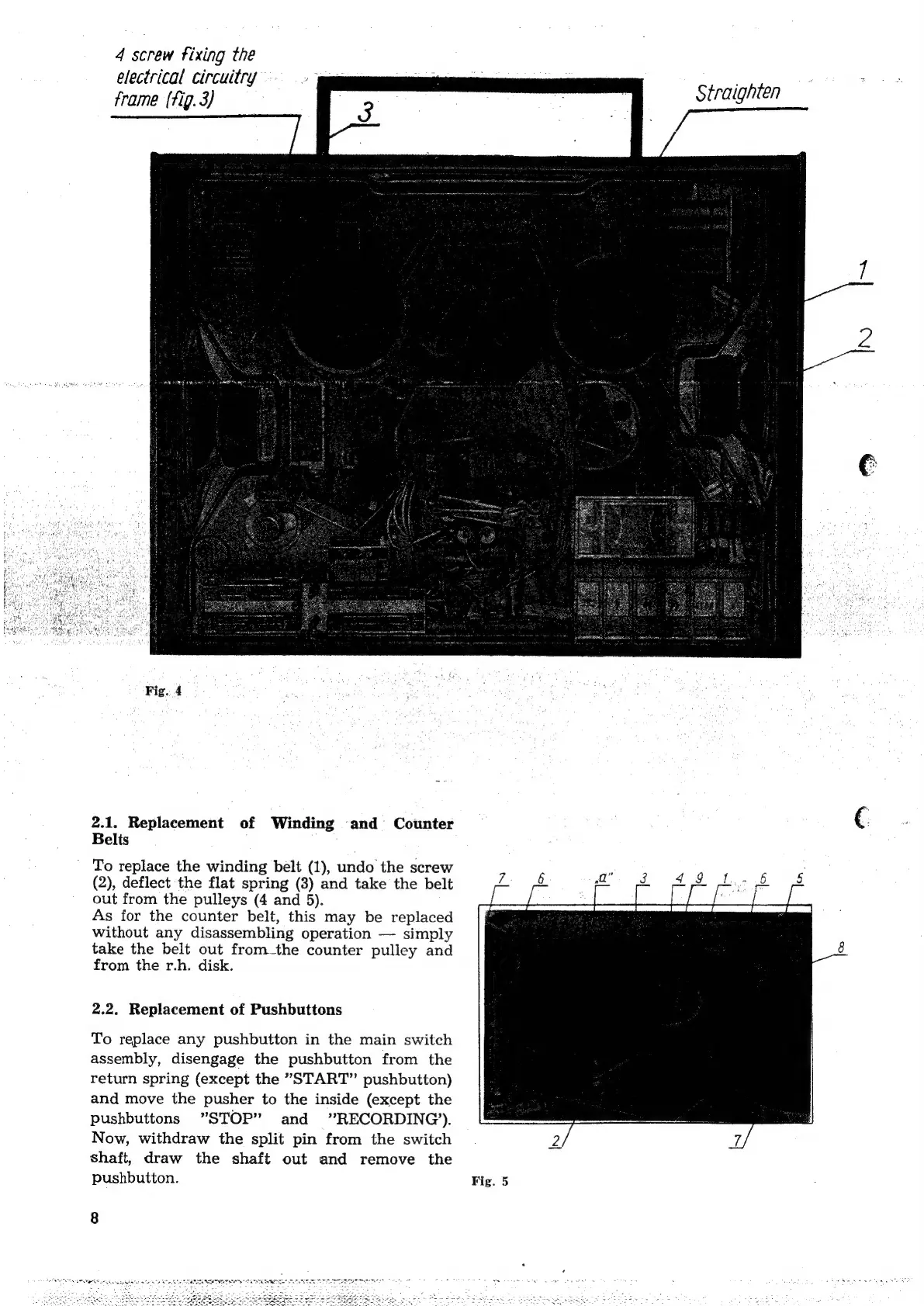
4
screw
fixing
the
electrical
circuitry
frame
(fig.
3)
Fig.
4
2.1.
Replacement
of
Winding
and
Counter
Belis
'
To
replace
the
winding
belt
(1),
undo
the
screw
(2),
deflect
the
flat
spring
(3)
and
take
the
belt
out
from
the
pulleys
(4
and
5).
As
for
the
counter
belt,
this
may
be
replaced
without
any
disassembling
operation
simply
take
the
belt
out
from_the
counter
pulley
and
from
the
r.h.
disk.
2.2.
Replacement
of
Pushbuttons
To
replace
any
pushbutton
in
the
main
switch
assembly,
disengage
the
pushbutton
from
the
return
spring
(except
the
*"START”’
pushbutton)
and
move
the
pusher
to
the
inside
(except
the
pushbuttons
”STOP”
and
RECORDING’).
Now,
withdraw
the
split
pin
from
the
switch
shaft,
draw
the
shaft
out
and
remove
the
pushbutton.
8
Fig.
5
Straighten
a