EasyManua.ls Logo

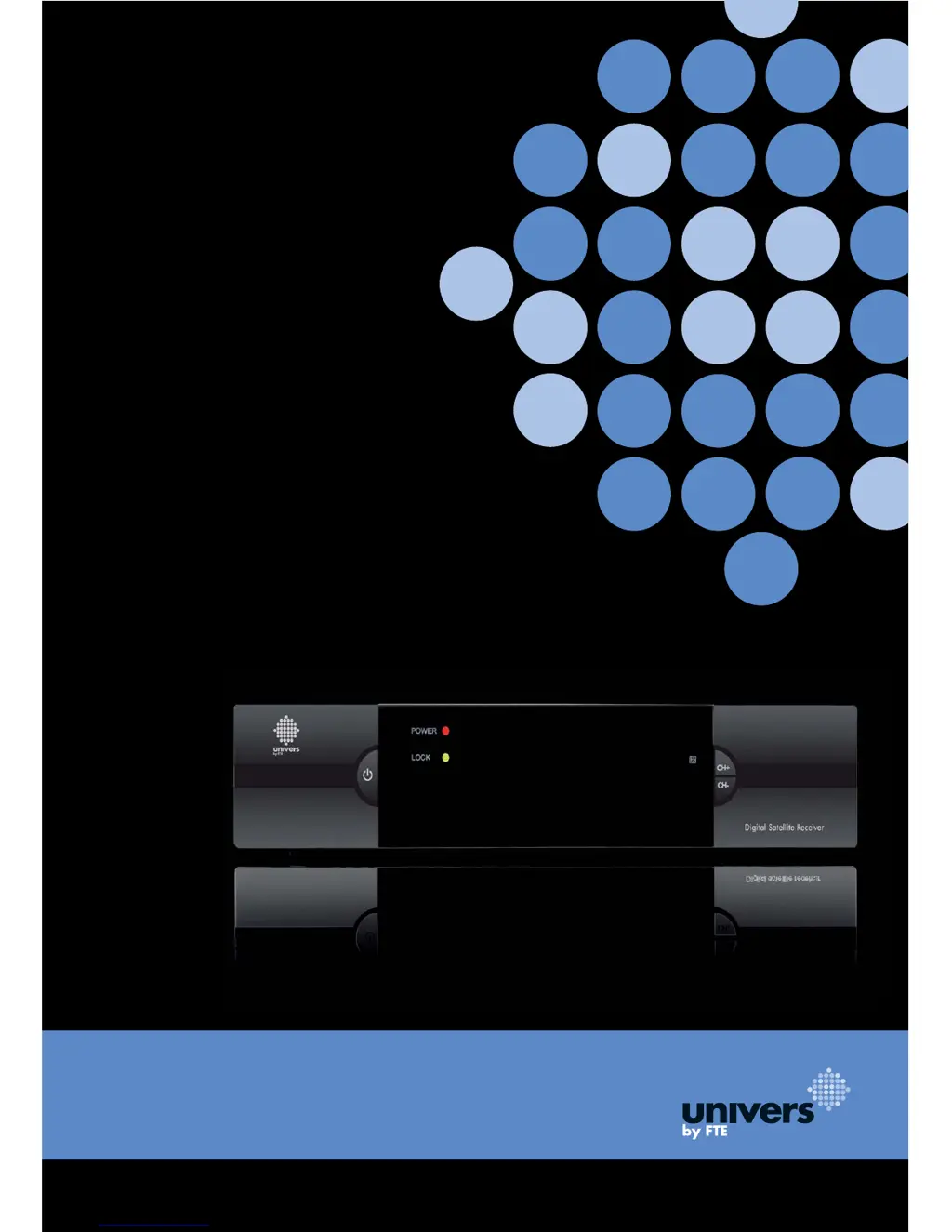
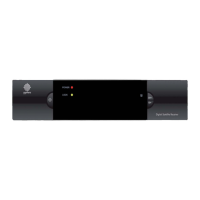
Univers by FTE U4128 - User Manual

Univers by FTE U4128
237 pages
Go to English
Print Icon
To Next Page IconTo Next Page
Loading...
U4128
MANUAL DE USUARIO
USER’S MANUAL
MANUEL DE L’UTILISATEUR
MANUALE D’USO
MANUAL DO UTILIZADOR
BEDIENUNGSANLEITUNG

Table of Contents

Questions and Answers

  • L
    Lynn MayJul 30, 2025
    What to do if there is no picture or sound on my Univers by FTE Receiver?
    • N
      newtonjulieJul 30, 2025
      If your Univers by FTE Receiver shows no picture or sound, the audio/video outputs of the receiver may not be correctly connected to the TV. Check the connections and make sure that the inputs and outputs are correctly wired.
  • C
    Carrie GarciaAug 4, 2025
    How to fix a Univers by FTE U4128 that is not responding to the remote?
    • R
      Robert FergusonAug 4, 2025
      If your Univers by FTE Receiver is not responding to the remote control, the batteries in the remote may be dead. Replace the remote's batteries.
  • W
    William WiseAug 9, 2025
    Why is my Univers by FTE Receiver not responding to the remote control?
    • M
      Mr. Anthony MendezAug 10, 2025
      If your Univers by FTE Receiver is not responding to the remote control, the remote control code may be incorrect. Check whether the setting of the remote control code matches in the remote control and in the device.
  • E
    evanceAug 14, 2025
    How to turn off antenna voltage on Univers by FTE U4128 Receiver?
    • N
      Nicole WilcoxAug 14, 2025
      If your Univers by FTE Receiver displays the message "Overloading. Tuner Power is off." or "Überlastung! Schalten Sie die Antennenspannung aus!", the antenna voltage is switched on. Switch off the antenna voltage by going to Menü ? Empfang ? Antennen? Ausrichtung ? Antennenspannung "Aus".
  • B
    Bridget FoleyAug 20, 2025
    What does "ENPT" or "????" mean on my Univers by FTE U4128?
    • W
      wbradleyAug 20, 2025
      If the display of your Univers by FTE Receiver shows "ENPT" or "????", the channel list has been deleted, or no channel list is available. Perform an automatic channel search.
  • L
    lcoxAug 25, 2025
    Why does my Univers by FTE Receiver only receive a few programs?
    • M
      mollywalkerAug 25, 2025
      If your Univers by FTE Receiver only receives a few programs, the DiSEqC settings may be incorrect. Please check the DiSEqC settings on the receiver in the installation menu.

Summary

Safety Precautions

General Safety Warnings

Covers electrical hazards, opening the unit, and general cautions.

Panel and Remote Control Description

Front Panel Description

Details front panel buttons, LEDs, and IR sensor.

Rear Panel Description

Details rear panel ports for connectivity.

Basic Operations

Initial Setup and FAQs

Covers powering on the STB and common operational questions.

Receiver Controls

Explains standby, mute, volume, channel, TV/radio switching, and teletext.

Navigation and Information Access

Covers menu navigation, channel list access, and EPG.

Channel and Audio Management

Details managing lists, favorites, audio tracks, and viewing channel information.

Fine-tuning Controls and Alerts

Covers favorite navigation, zoom, subtitles, and LNB short alerts.

Channel Management

TV Channel List Overview

General functions for managing stored TV channels.

Favorite Channel Management

Adding and managing favorite channel groups.

Channel Editing and Sorting

Moving, sorting, deleting, skipping, and locking channels.

Channel Editing Details

Editing channel name, PIDs, and creating new channels.

Finding and Setting Up Channels

Searching channels by name, radio list, setup options, and renaming favorites.

Channel List Backup and Restore

Saving and restoring channel lists and settings.

Installation Guide

Single Search Configuration

Setting up antenna and searching channels for one satellite.

LNB and Antenna Setup

Configuring LNB type, DiSEqC, polarity, and general antenna setup.

Multi Satellite Search

Searching channels across multiple satellites.

Transponder Scanning

Scanning and managing individual transponders.

Satellite and Transponder Lists

Managing lists of satellites and transponders.

Antenna Alignment and Unicable

Using the satellite guide and configuring Unicable systems.

System Setup

Language and Display Settings

Setting menu language, audio, and TV system display.

Time and Timer Configuration

Setting timers for channel changes or reminders.

Local Time and Sleep Timer

Setting date, time, GMT offset, and sleep timer.

OSD and Parental Lock Settings

Configuring on-screen display properties and channel lock passwords.

Power Management Settings

Configuring automatic standby and low power consumption.

Tools and Maintenance

Information and Quick Setup

Displaying channel info and re-accessing the setup assistant.

Factory Reset and Software Upgrade

Resetting the receiver and updating its software.

Technical Specifications

Video, Audio, and Demodulator Specs

Technical details on signal reception and processing.

Signal Input, LNB Control, and Misc. Specs

Specifications for signal input, LNB, power, and physical dimensions.

Conformity Declaration

Univers by FTE U4128 Specifications

General IconGeneral
BrandUnivers by FTE
ModelU4128
CategoryReceiver
LanguageEnglish

Related product manuals