Setting OX Stomp footswitch modes
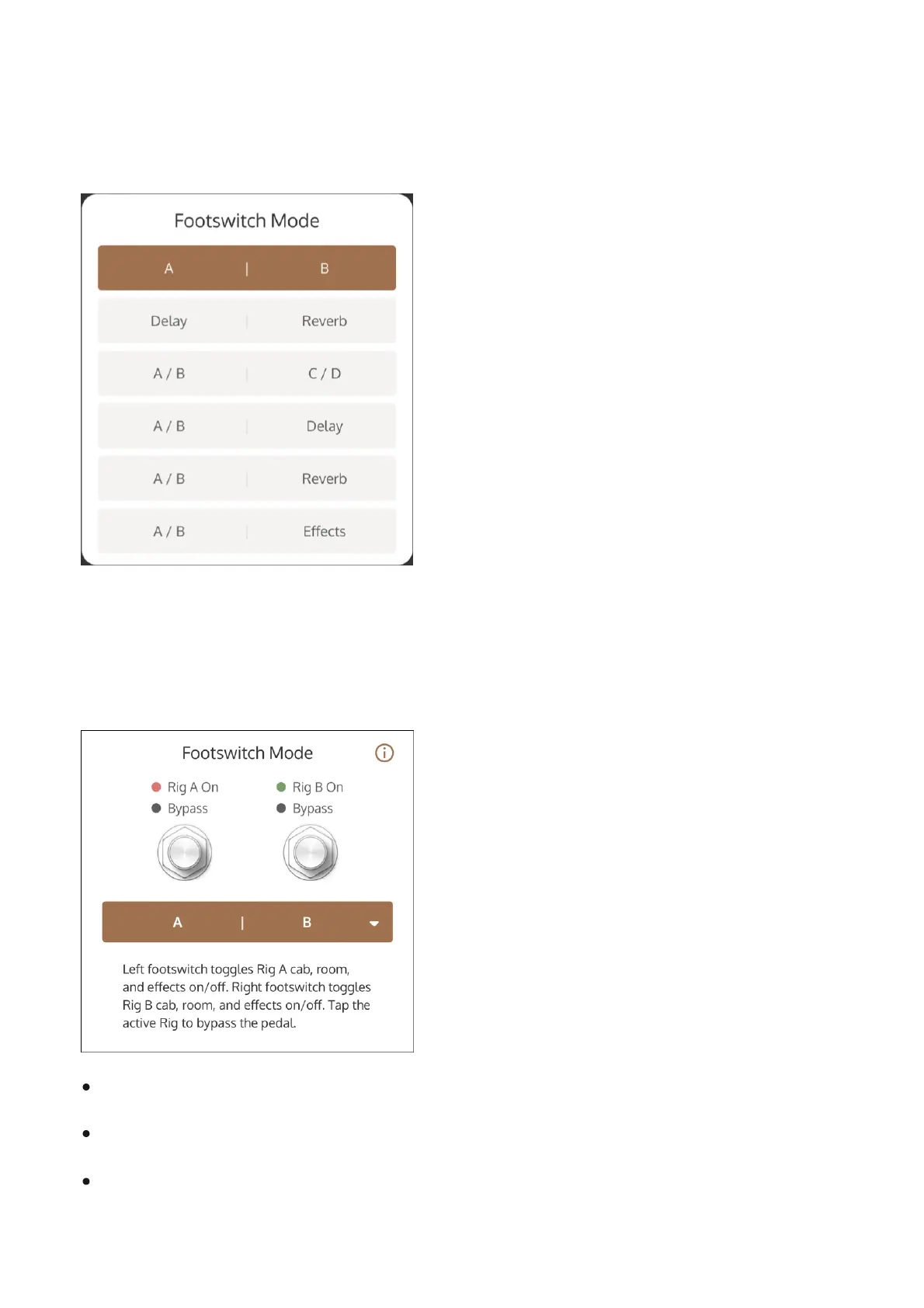
To select a footswitch mode, first tap Settings at the bottom of the screen. Then tap the current
footswitch mode (colored bar) and choose a mode from the drop menu.
The following OX Stomp footswitch modes can be selected.
A | B
Left Footswitch toggles Rig A on/off
Right Footswitch toggles Rig B on/off
OX Stomp can be bypassed (when neither Rig is active)



 To Next Page