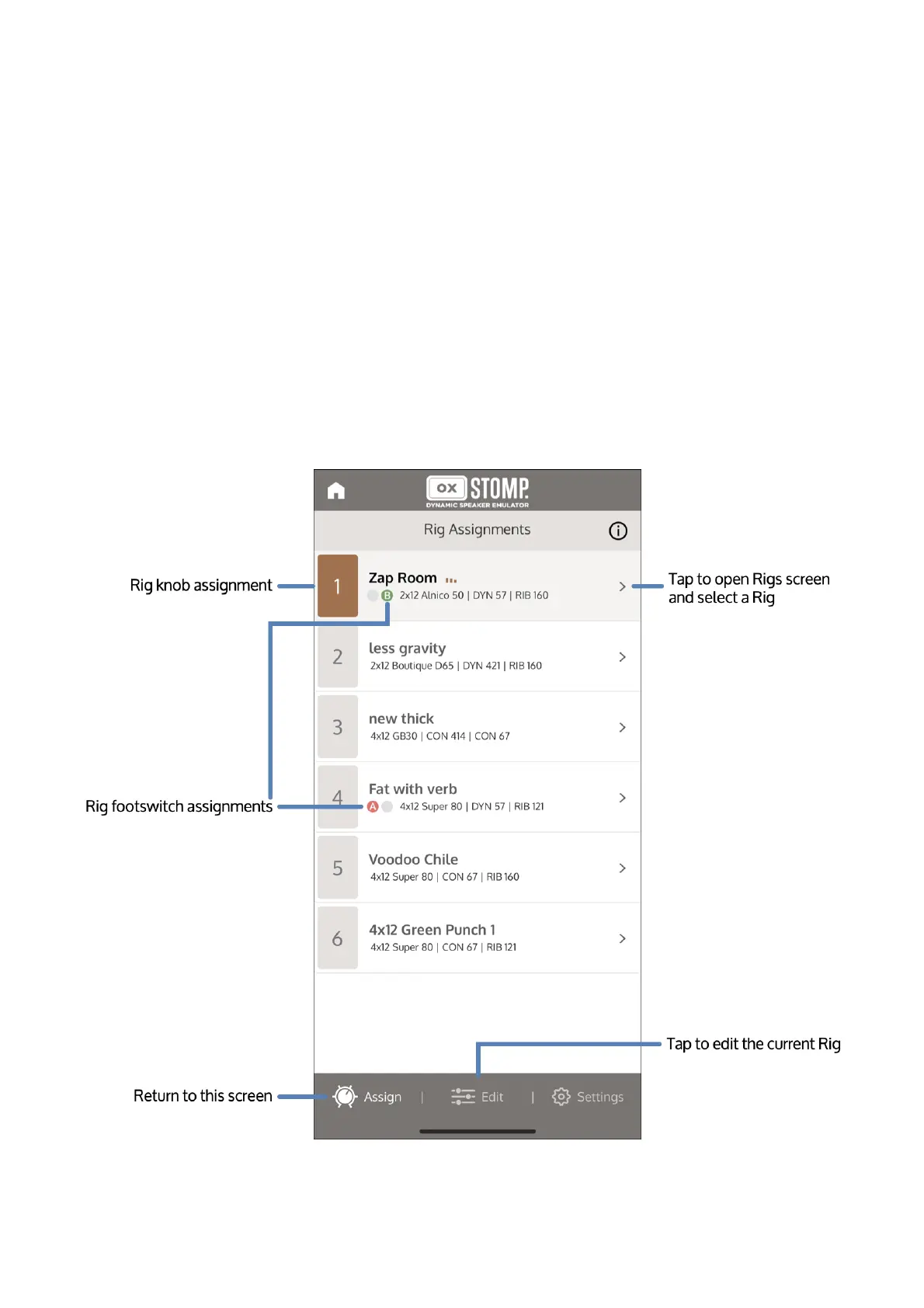
To open the Rigs screen, first tap your pedal's tile on the app's initial view. OX Stomp opens in
the Rig Assignments view. Tap the selection triangle to the right of the current Rig to open the
Rigs screen.
Viewing Rigs (OX Stomp)
To open the Rigs screen, first tap your pedal's tile on the app's initial view. The app opens on the
Rig Assignments screen.
The Rig Assignments screen shows the six Rigs that are assigned to the Rig knob on the pedal
hardware. It also indicates the footswitches to which the Rigs are assigned (except in Reverb |
Delay footswitch mode).
Tap the selection triangle to the right of any Rig to open the Rigs screen.



 To Next Page