Important Backup Notes
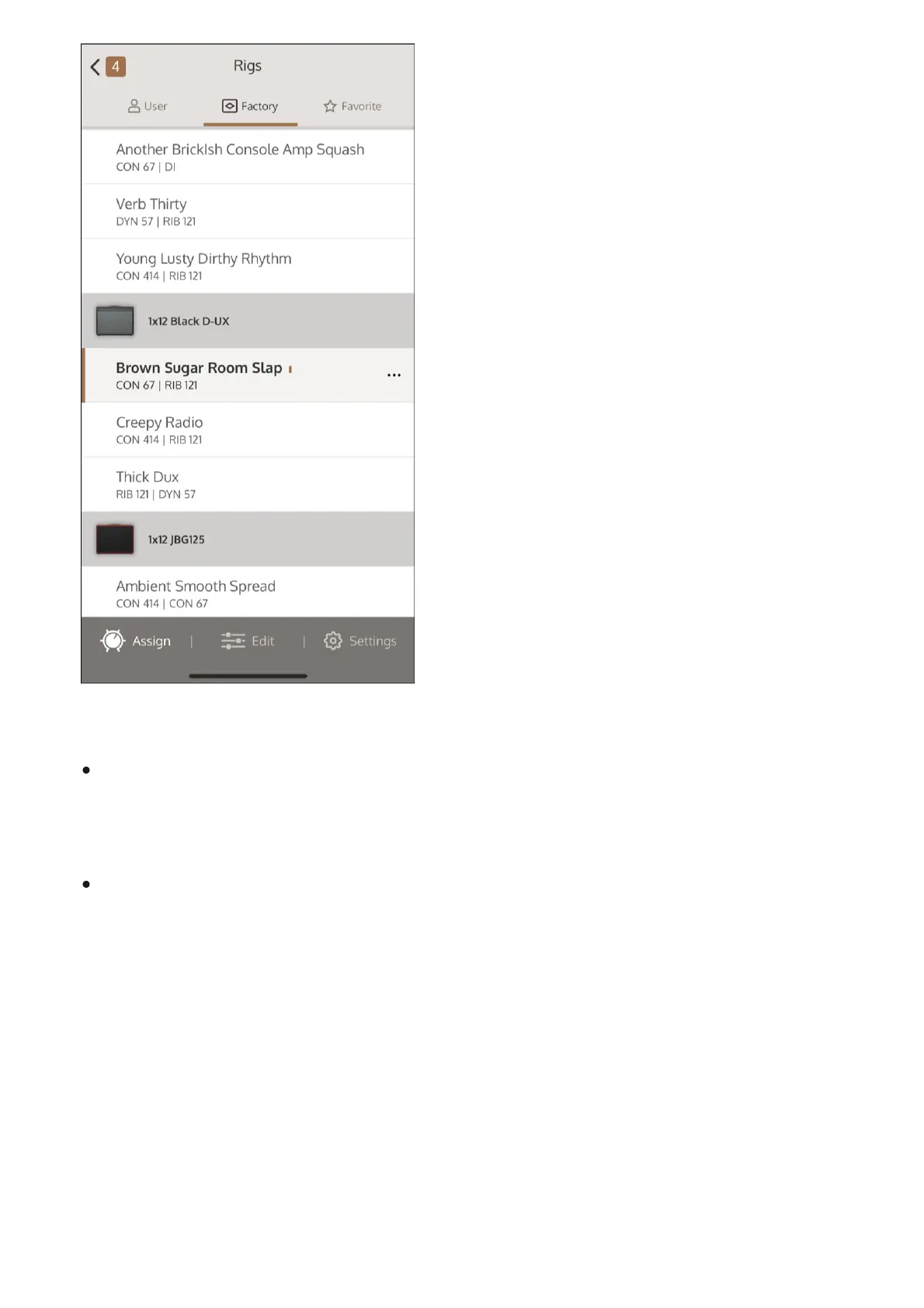
Rigs storage - Individual Rigs you see in the app are stored on the pedal, not in the app. If
UAFX Control is disconnected from your mobile device, or if you delete the app, all Rigs
remain on the pedal.
Pedal backups - Backups created in the mobile app are stored in the app, not on the pedal.
If UAFX Control is deleted from your mobile device, the Rig backups in the app are
permanently lost.
Saving Rigs
You can temporarily store Rig changes with the footswitches. You can permanently store Rigs
using the UAFX Control app. Rigs that are stored with the footswitches, but not permanently
saved, appear with the word Edited in a brown highlight in the UAFX Control app. Rigs that are
edited with the UAFX Control app, and not saved, appear with the word Edited in a red highlight.



 To Next Page