To store a Rig
To store a Rig on the pedal, hold down the active Rig footswitch on the pedal until the LED
blinks rapidly. In Delay | Reverb mode, hold down the left footswitch until the LED blinks rapidly.
Rig options
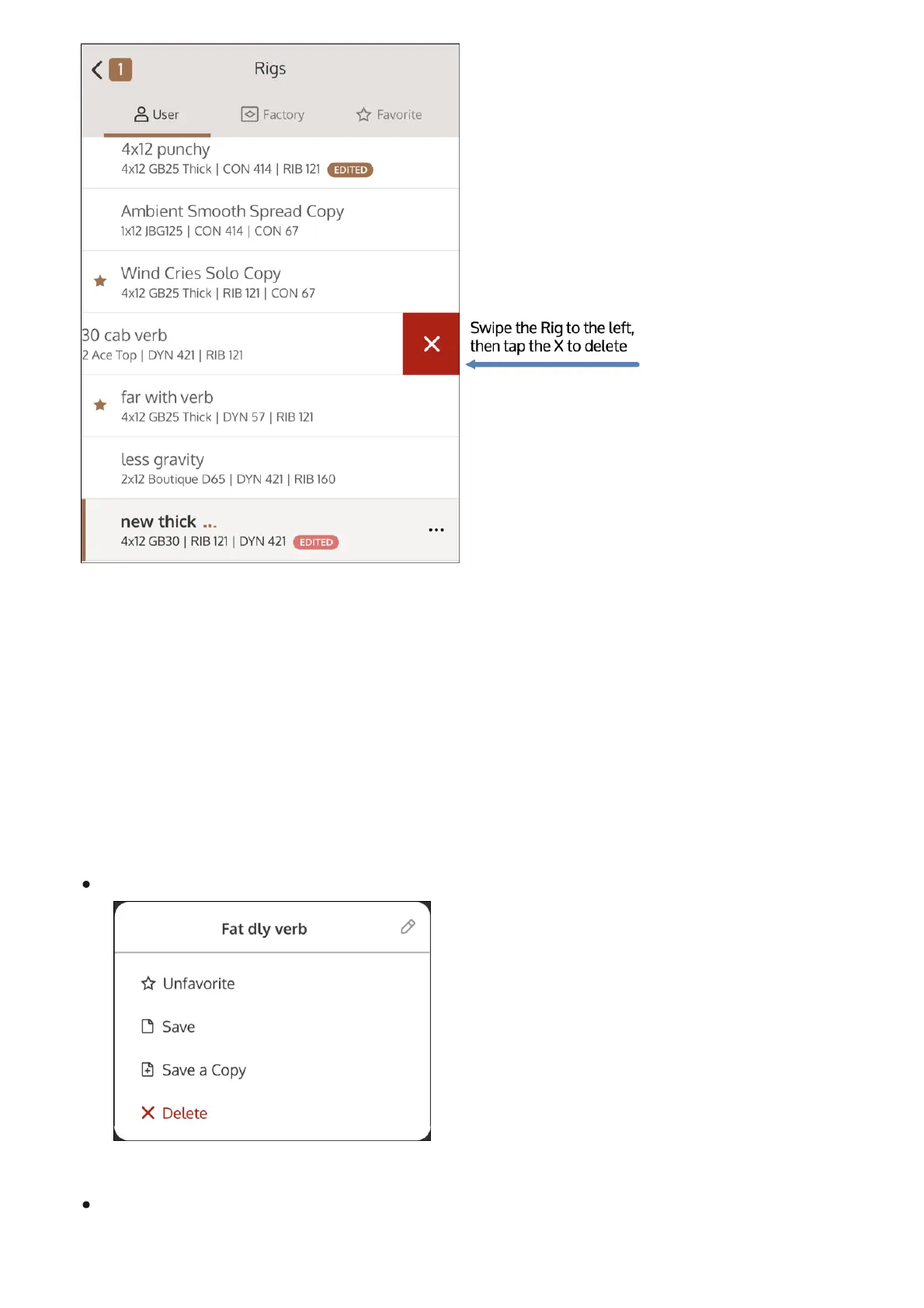
Tap ••• next to the active Rig to open the Rig options.
To change the name of the Rig, tap the pencil next to the name, and type the name for the
preset, then tap Save. Note that factory Rigs cannot be renamed.



 To Next Page