Adjust mic characteristics
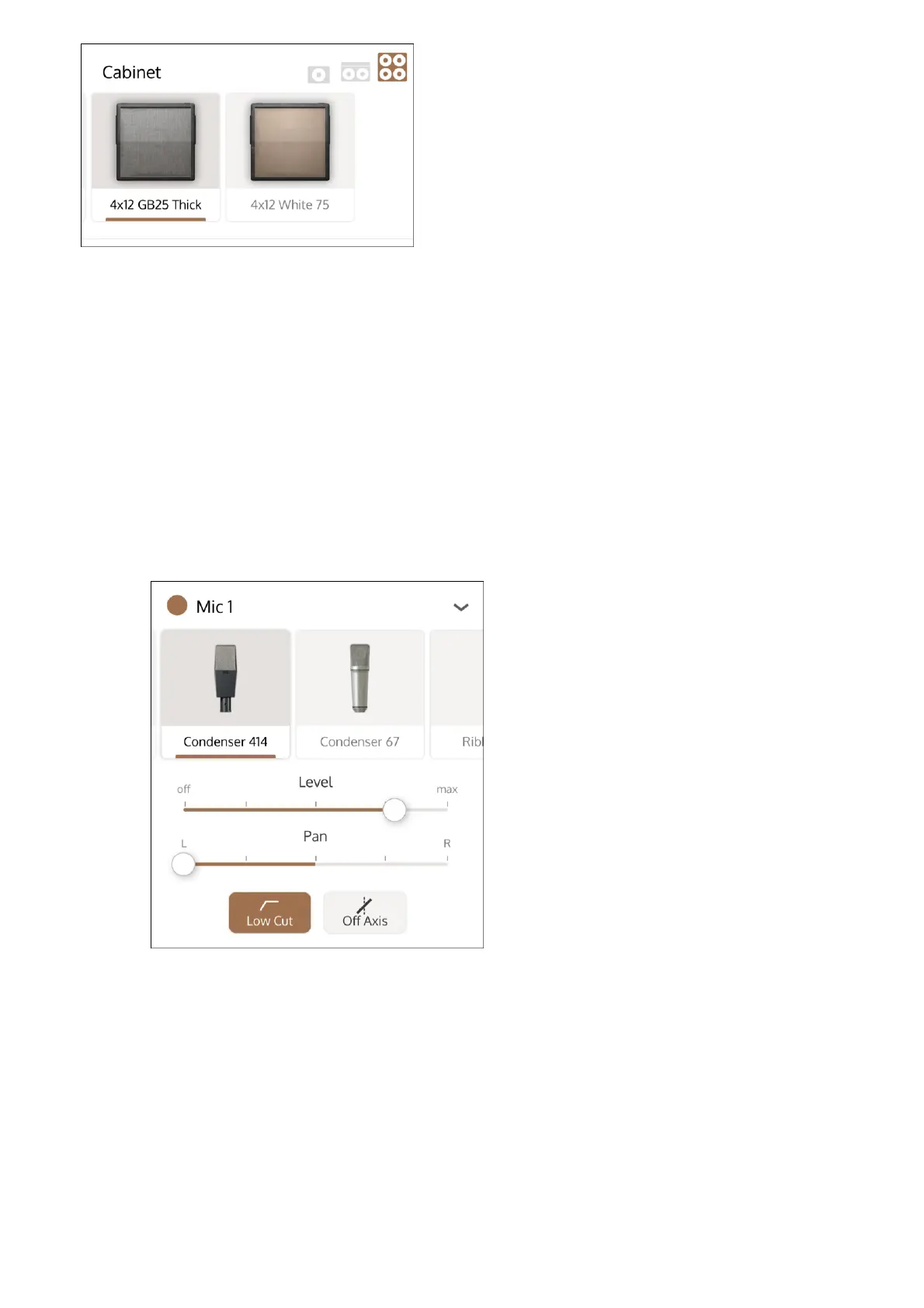
Select the OX Stomp mics under the Mic 1 and Mic 2 section. When you select a new mic, the
Rig is updated to use the new mic sound.
Tap a mic to select it.
1
Swipe left and right on the mics to see the full list.
2
Tap the selection triangle at the right of the mic label to expand the mic settings.
3
Enable or mute the mic with the button next to the Mic name (Mic 1 or Mic 2). The mic is
enabled when the button is highlighted.
Note: Some factory Rigs include a mic that is muted.
4
Adjust the mic level with the Level slider. You can also adjust the mic level with the Mic 1
or Mic 2 knob on the OX Stomp hardware.
5
Adjust the panning of the mic with the Pan slider.
6
To apply a low cut, tap the Low Cut button.
7



 To Next Page