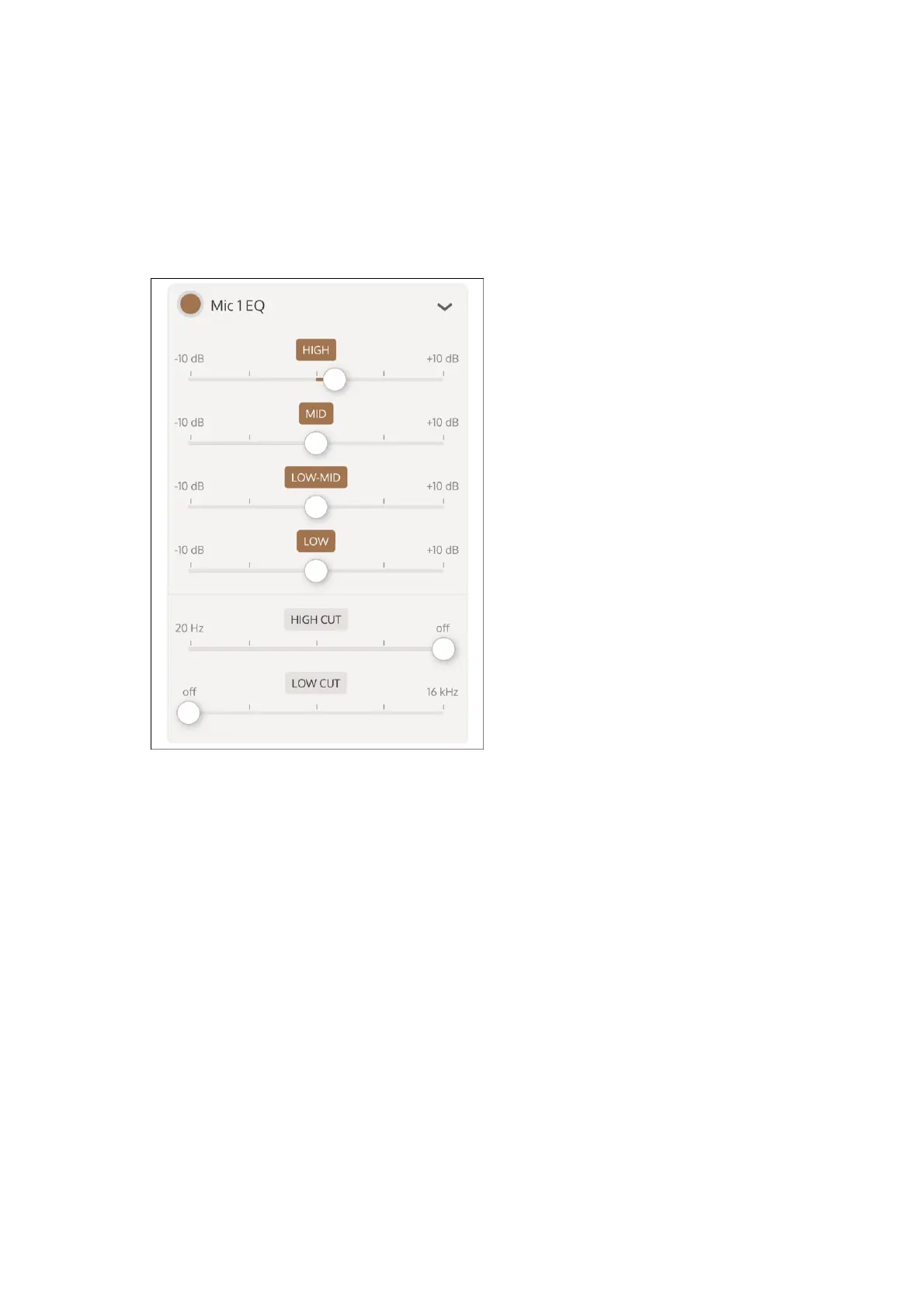
Enable and adjust Mic EQ
Note: EQ bands can be enabled or disabled. A disabled EQ band has a grayed-out label, and an
enabled EQ band has a brown label. To enable or disable an EQ band, tap the band label.
To angle the mic off axis, tap the Off Axis button.
8
Enable or disable the EQ for a mic by highlighting or clearing the Mic 1/2 EQ button.
1
Tap the selection triangle at the right of the EQ label to expand the EQ sliders.
2
Adjust the boost/cut for each EQ band with the sliders.
3
Adjust the high cut and low cut filters with the sliders.
4



 To Next Page